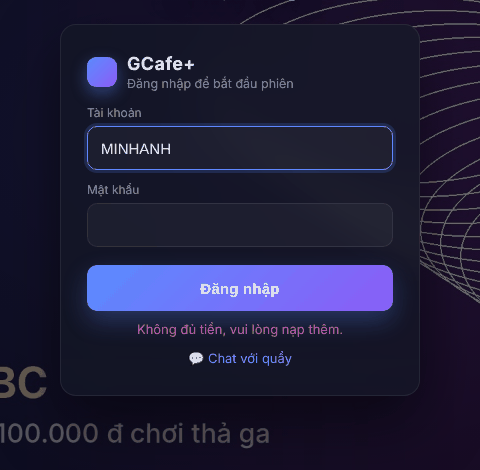
Sign in on the lock screen
Without a session, the client PC shows the lock screen. Members sign in with their own account; guests ask the counter to open the PC.
Sign in with a member account
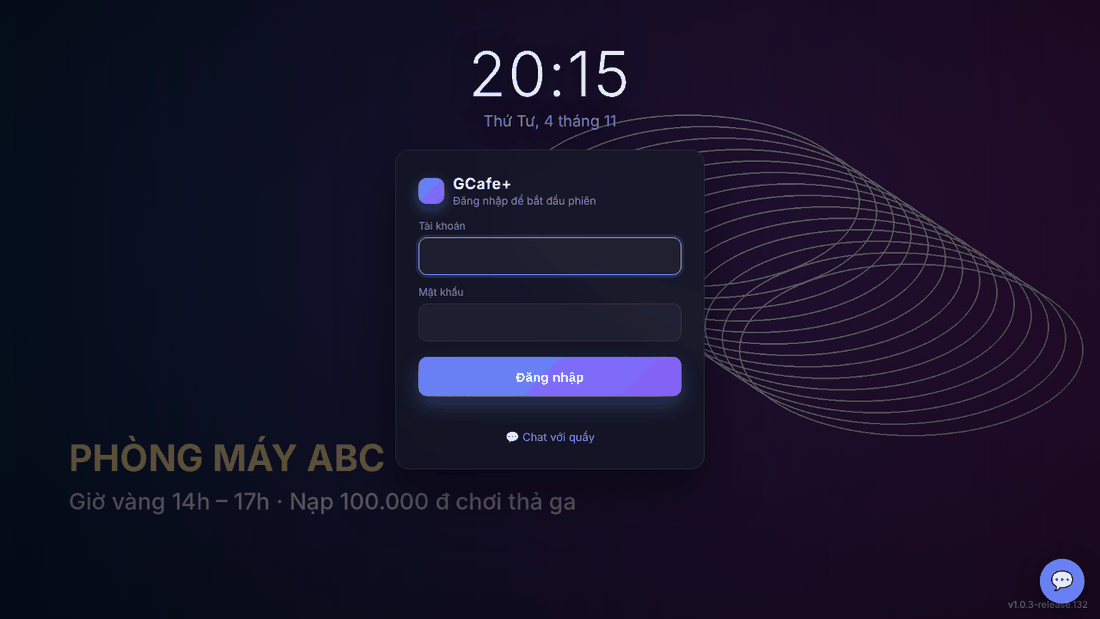
- Click or press any key to show the sign-in box.
- Type Tài khoản (Account — automatically upper-case) and Mật khẩu (Password).
- Click Đăng nhập (Sign in) or press Enter.
Result: Xin chào … (Hello …) appears, the lock screen hides and the Client App opens.
After 45 seconds without input the sign-in box hides so the café background shows clearly.
Guests
Customers without an account ask the counter to open the PC; the lock screen hides by itself. See Open PCs, check out and top up at the counter.
Chat with the counter on the lock screen
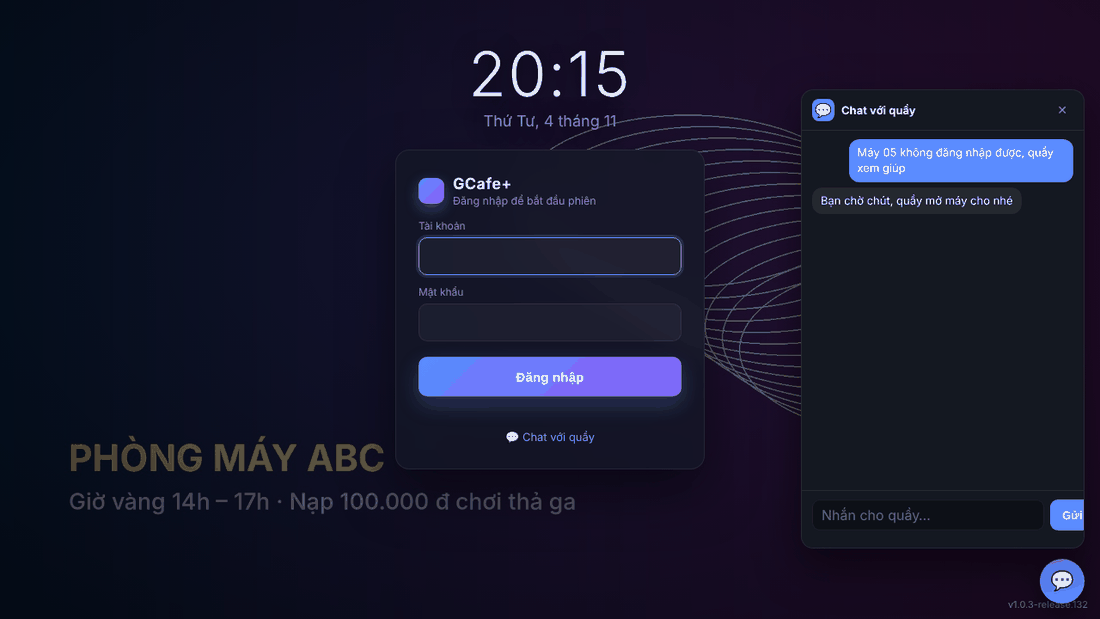
Click 💬 Chat với quầy (Chat with counter) under the sign-in box, or the 💬 button in the bottom-right corner, to message the counter before signing in. The café must enable Chat in GCafe Portal.
Common errors
Message / symptom | Cause | What to do |
|---|---|---|
Sai tài khoản hoặc mật khẩu. (wrong account or password) | Typo, or a guest account was used. | Type again; guests ask the counter to open the PC. |
Sai mật khẩu, vui lòng thử lại. (wrong password) | Password is incorrect. | Retype; ask the counter to reset a forgotten password. |
Tài khoản đang đăng nhập ở máy khác. (signed in on another PC) | The account has a session on another PC. | Log out there, or ask the counter to end the old session. |
Không đủ tiền, vui lòng nạp thêm. (not enough money) | No balance left. | Top up at the counter, then sign in again. |
Tài khoản đang bị khoá. / Tài khoản đã hết hạn, vui lòng liên hệ quầy. (locked / expired) | The counter locked the account or it expired. | Contact the counter. |
Quầy chưa bật chat. (counter chat not enabled) | Chat is not enabled in GCafe Portal. | Call staff in person; the owner enables Chat in GCafe Portal. |