Chat and quick top-up alongside GCafe Billing
Alongside the legacy GCafe Billing, Portal alerts the counter when a guest chats in GCafe Billing and lets you quickly top up the member at that PC.
Alerts when a guest chats
- Portal shows {PC} · {account} vừa nhắn tin trên GCafe Billing (just messaged in GCafe Billing) and reads it out once per chat session.
- Further messages in the same session play a short "ting".
- Unread messages are repeated when nobody is at the counter, up to 3 times.
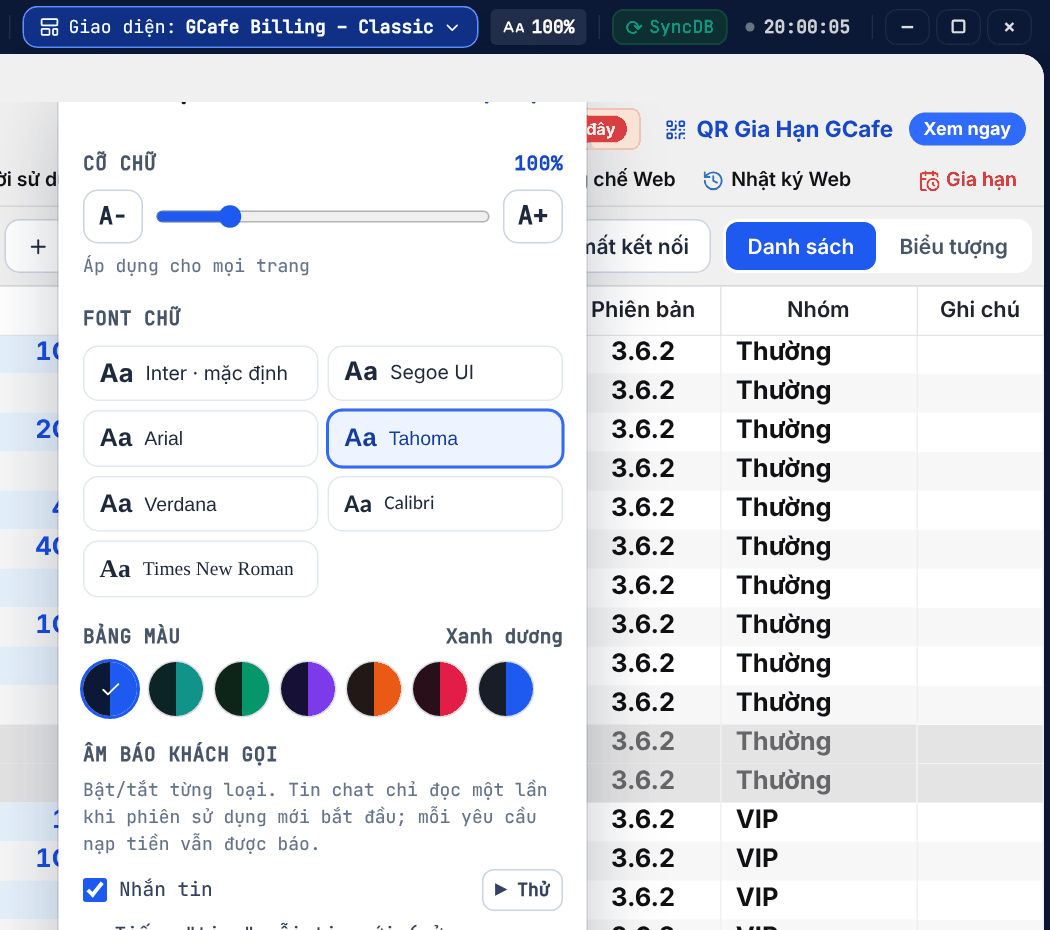
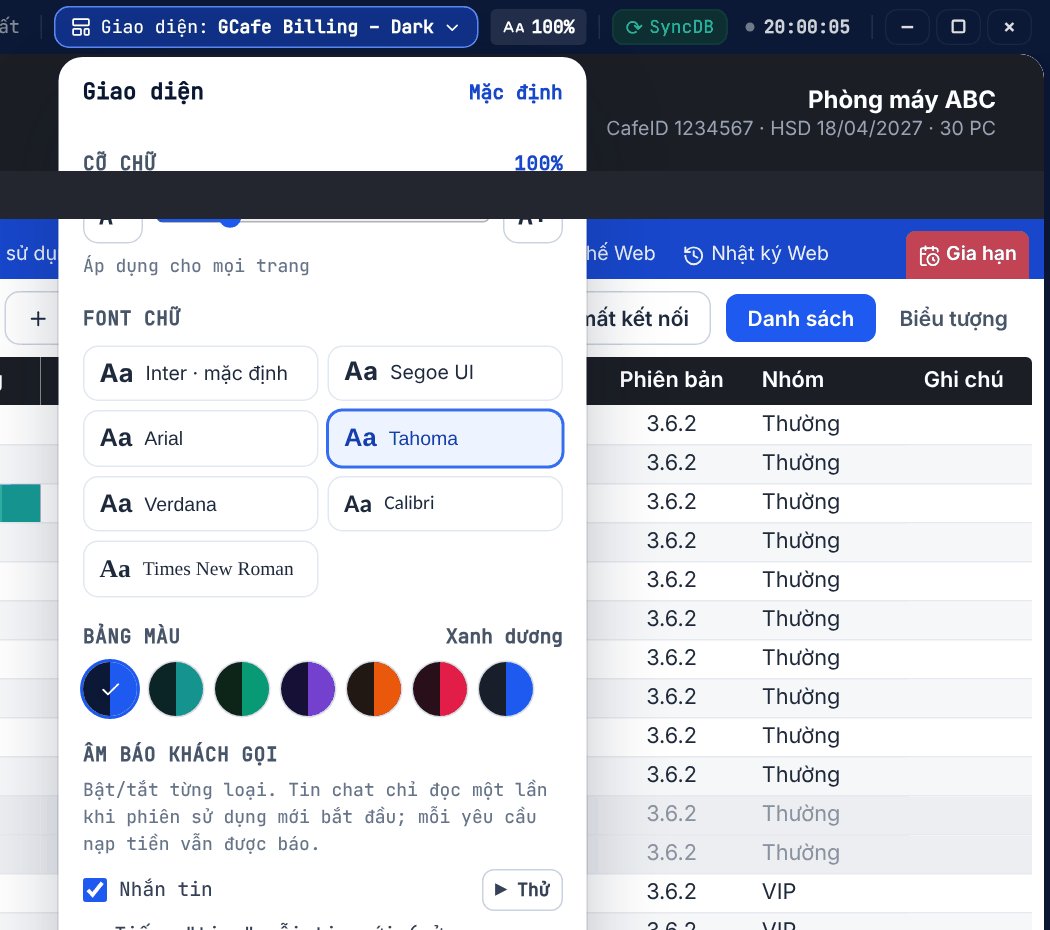
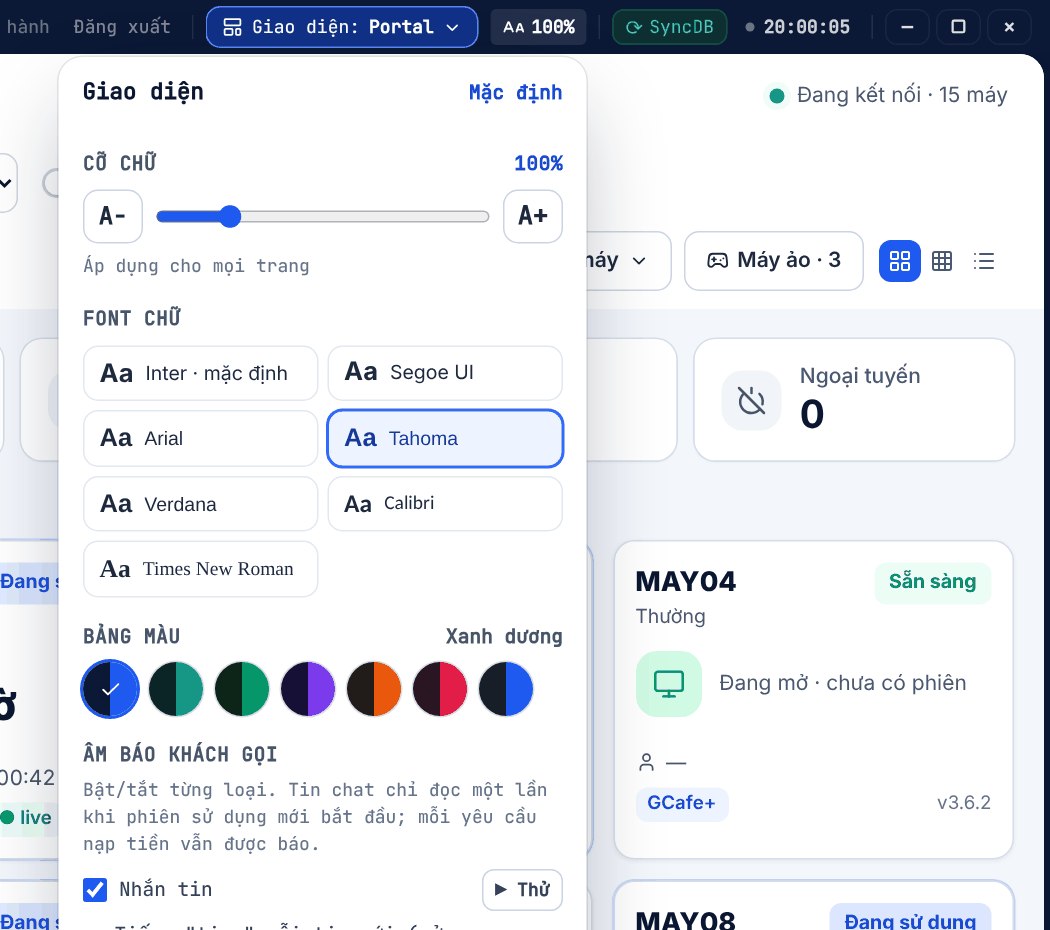
Turn each sound on or off with Aa on the title bar: Tiếng "ting" mỗi tin mới ("ting" per new message) and Nhắc lại khi quầy vắng người (repeat when the counter is empty).
Classic layout
Dark layout
Portal layout
Quick top-up for the member chatting
- Open the PC chat window in GCafe Billing as usual.
- The Chat Dock Nạp nhanh (Quick top-up) panel appears next to the chat window, for the member at that PC.
- Pick or type the amount and top up.
Result: the money goes into the member account at once; the transaction is recorded under the staff member signed in to GCafe+ Server.
⚠️ Note: Top-ups need a GCafe+ Server sign-in. If another PC messages while you are busy, Portal only shows "PCxx vừa nhắn" (PCxx just messaged) so you are not interrupted.