Set up a night combo: night rate plus free drink
A “night combo” brings in late players: a cheaper night hourly rate plus a free drink or snack when they order at night. You build it from three existing Portal features.
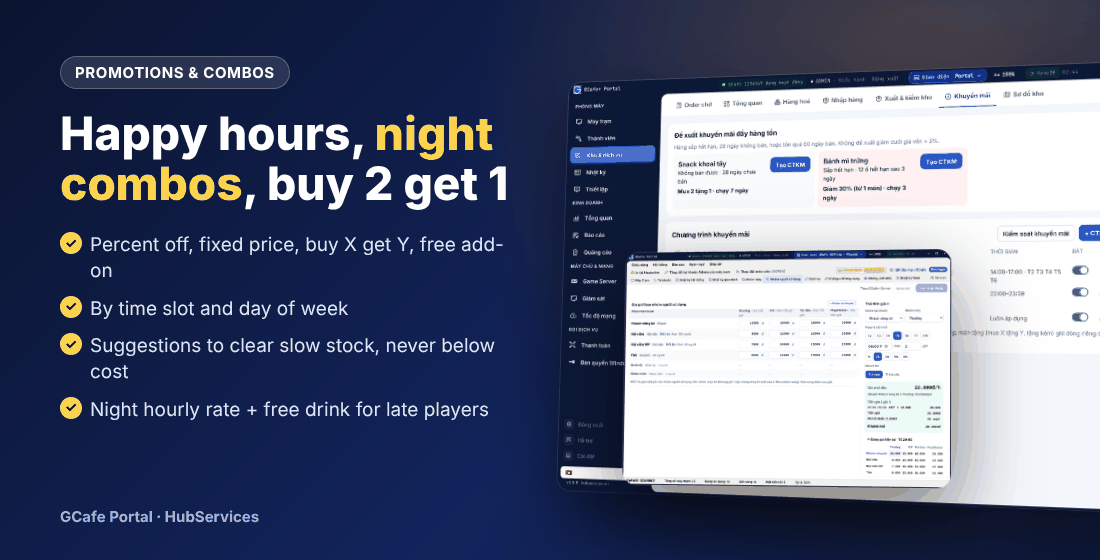
Step 1 — Night hourly rate
- Open Thiết lập › Bảng giá › Theo nhóm máy and pick a PC group.
- On the customer group’s price line, click Thêm khung giờ (Add time band), e.g. 22:00–06:00, with a lower hourly price.
- Use Thử tính giá with a 22:00 start to check, then Lưu & áp dụng.
⚠️ Note: Each price line uses one promotion type: time bands or tiered pricing. See Pricing.
Step 2 — Free drink with night orders
- Open Kho & dịch vụ › Khuyến mãi › + CTKM mới.
- Choose Tặng kèm món khác (e.g. buy 1 fried noodles, get 1 water) or Mua X tặng Y.
- Set from 22:00 to 23:59 (add a second promotion for 00:00–06:00 if needed), scope Order từ máy trạm and Quầy gọi cho máy.
- Save and switch it on. Details in Promotions.
Step 3 (optional) — Night card
Create prepaid cards with money or play minutes to sell to night players (e.g. “Night card 50k”). See Members, top-ups and prepaid cards.
Promote the combo
Put a “Night combo” banner on GameMenu and the client wallpaper — see Banners and wallpapers.
💡 Tip: Track results in Service reports (discounts, free items) and Overview (night occupancy).