System settings: minimum charge, timers, rounding
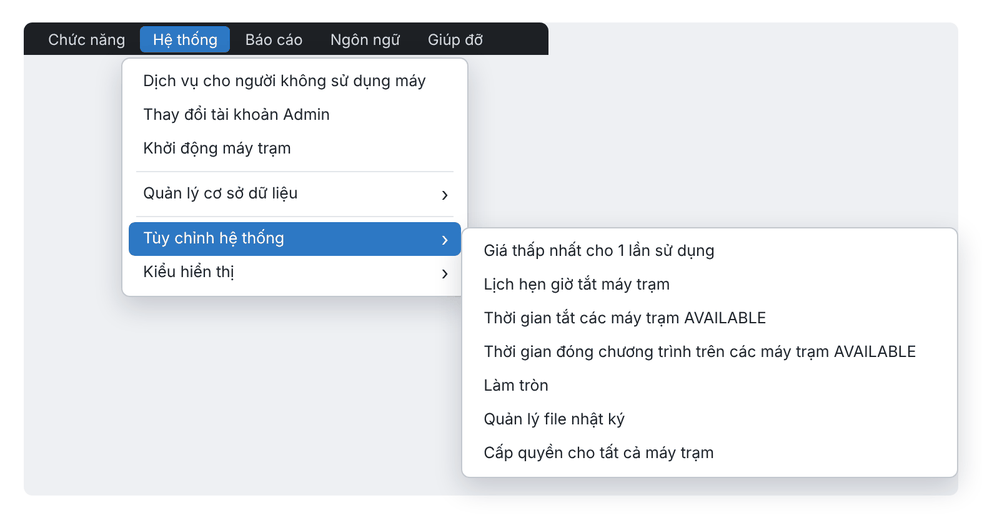
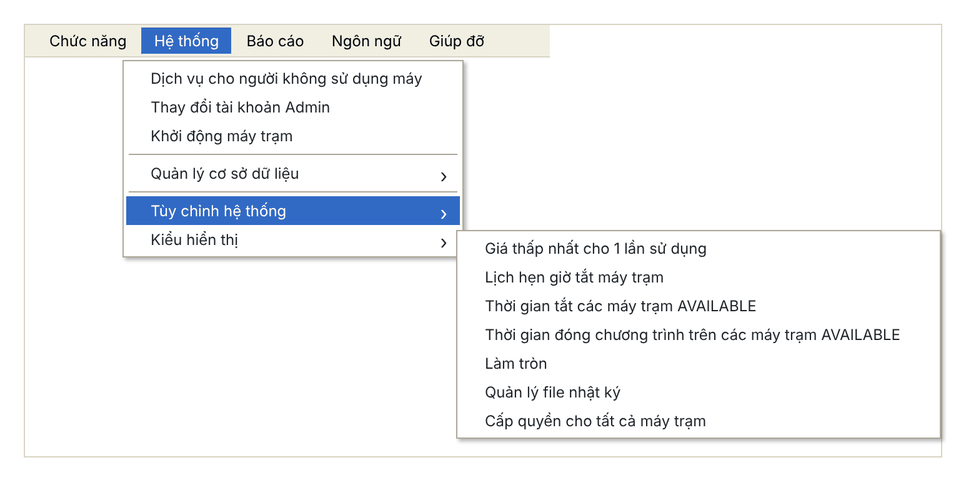
The Hệ thống › Tùy chỉnh hệ thống (System › System settings) menu groups the general settings: minimum charge per session, scheduled shutdown, idle shutdown, auto-closing apps, rounding and log retention. Settings apply as soon as you click Đồng ý (OK).
New interface
Classic interface
Minimum charge per session
Choose Giá thấp nhất cho 1 lần sử dụng, enter the amount in Giá (price) and click Đồng ý. Walk-in customers who play less than this still pay this amount.
Shut down all client PCs at a set time
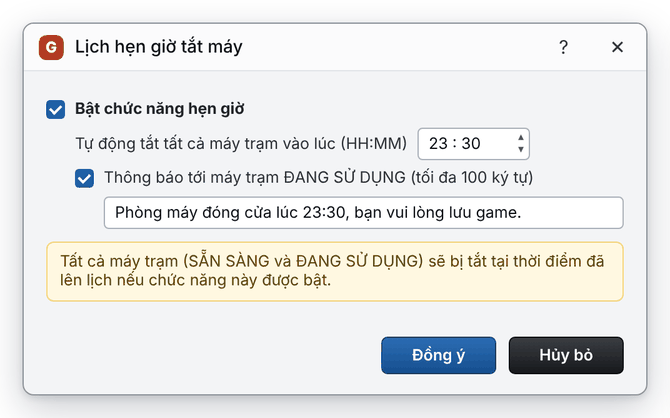
- Choose Lịch hẹn giờ tắt máy trạm (Scheduled shutdown).
- Tick Bật chức năng hẹn giờ (enable timer) and set the time (HH:MM).
- To warn customers, tick the notification box and enter a message (up to 100 characters).
- Click Đồng ý.
New interface
Classic interface
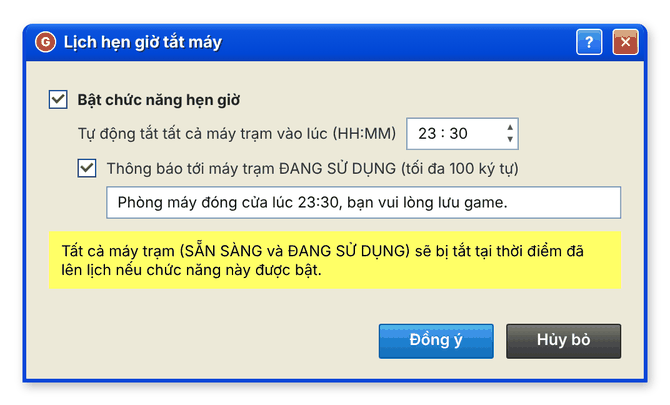
⚠️ Note: At the scheduled time all client PCs shut down — both idle ones and those in use.
Shut down idle client PCs
Choose Thời gian tắt các máy trạm AVAILABLE and enter a number of minutes: a PC that is on but unused for longer shuts down. Enter 0 to turn this off.
Close apps after the customer leaves
Choose Thời gian đóng chương trình trên các máy trạm AVAILABLE and enter a number of minutes: after the customer signs out, programs still running close after that time. Enter -1 to turn this off.
Rounding
Choose Làm tròn (Rounding), pick a type and enter the Đơn vị (unit):
Type | Example with a unit of 500 VND |
|---|---|
Không làm tròn (no rounding) | 1,001 ⇒ 1,001; 1,239 ⇒ 1,239 |
Làm tròn trung bình (round to nearest) | 1,001 ⇒ 1,000; 1,250 ⇒ 1,500 |
Làm tròn lên (round up) | 1,001 ⇒ 1,500 |
Log retention
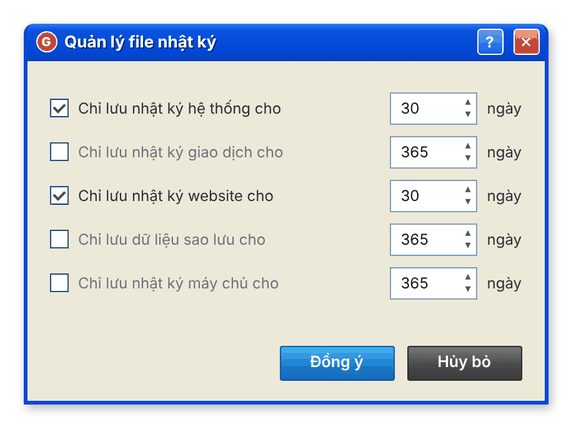
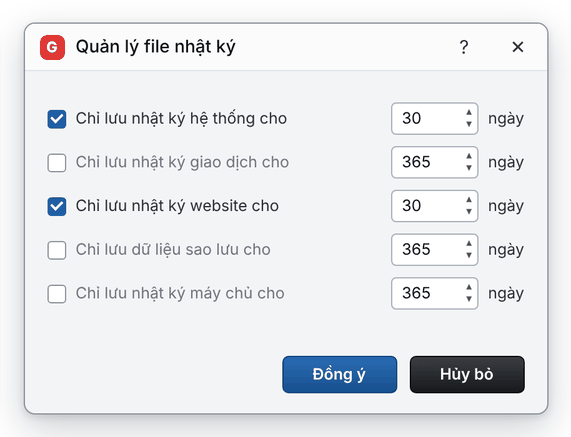
Choose Quản lý file nhật ký (Log file management), tick the logs to limit (system, transaction, website, backup, server) and enter how many days to keep. Older entries are deleted automatically.
New interface
Classic interface