Sell items to guests not using a PC
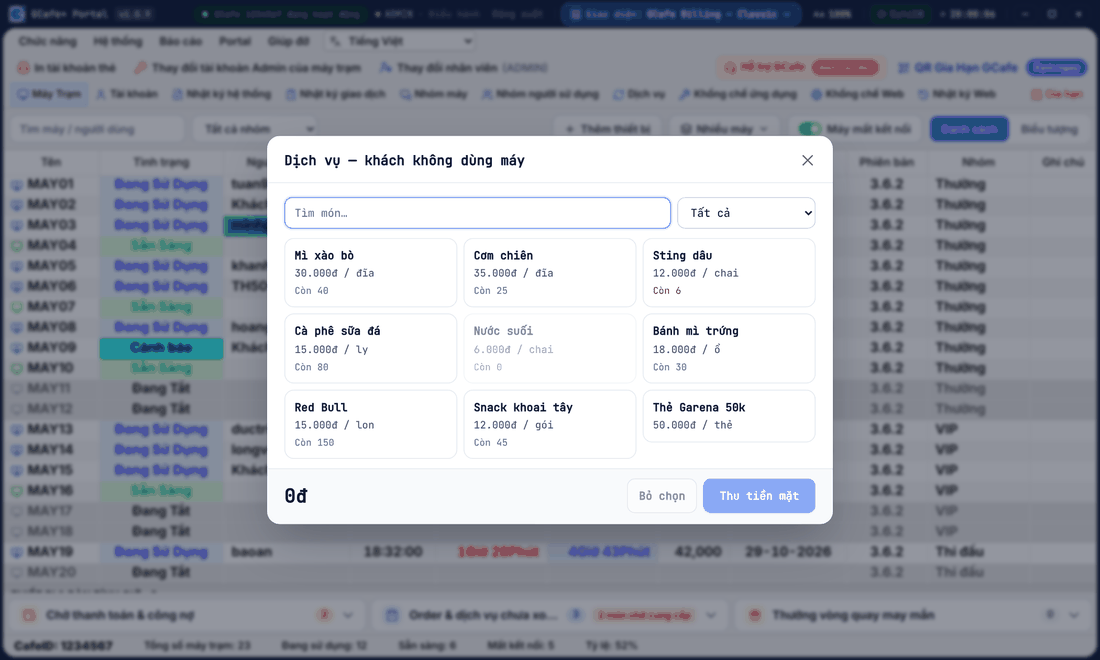
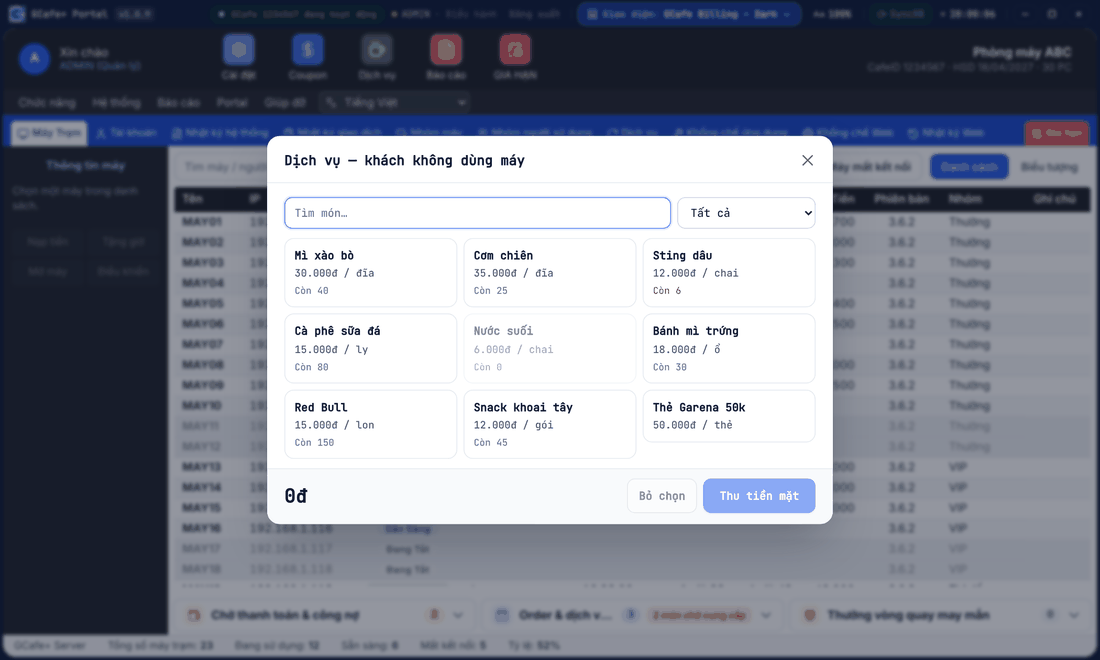
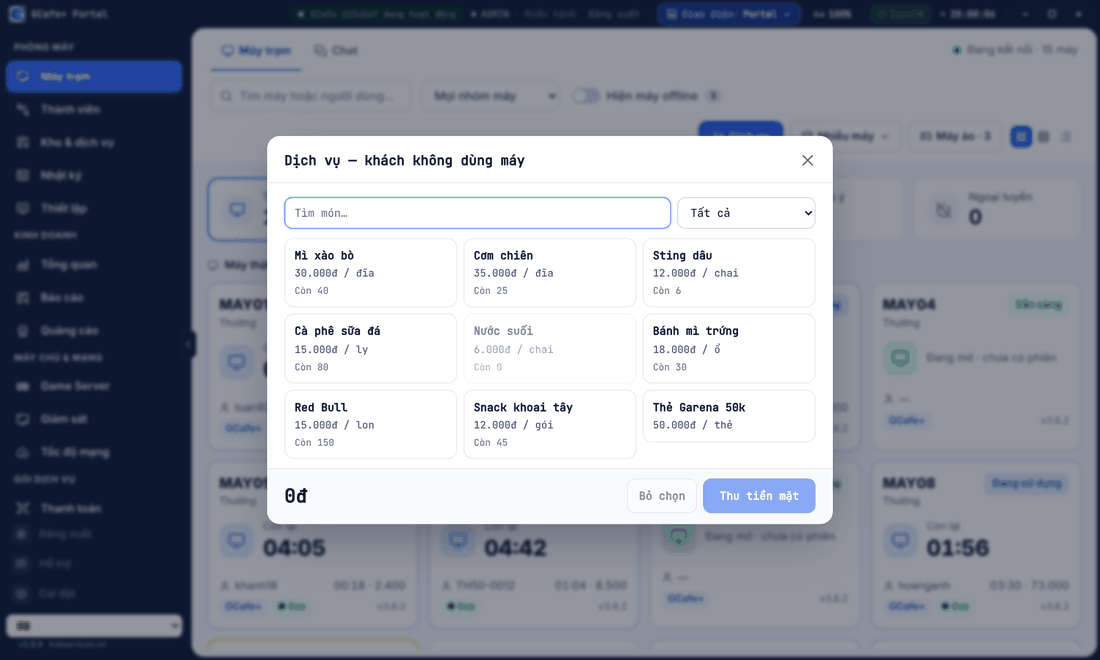
A guest only buys drinks or food without sitting at a PC? Use Dịch vụ cho người không sử dụng máy (Services for non-PC guests) to sell items and take cash at the counter. Sold items are deducted from stock.
Classic layout
Dark layout
Portal layout
Sell at the counter
- Classic / Dark layout: menu Hệ thống (System) › Dịch vụ cho người không sử dụng máy. Portal layout: on Máy trạm, click Dịch vụ (Services).
- Search or pick items, adjust quantities.
- Click Thu tiền mặt (Collect cash) and confirm the amount.
Result: Portal shows Đã bán — thu … (sold, collected …); the transaction is logged as Bán tại quầy (counter sale) in the transaction log.
Items with a free-gift promotion show a Tặng kèm (free gift) line in the cart — see Promotions.
⚠️ Note: Only available when Portal bills instead of GCafe+ Server. Alongside the legacy GCafe Billing, use the Dịch vụ button in GCafe Billing.
💡 Tip: On a phone, the Thu ngân (Cashier) role sells at the counter in the Bán hàng (Sales) tab — see Portal on phones.