Portal colour themes, font and text size
Each counter PC can pick its own colour theme, font, text size and accent colour for GCafe Portal, such as Light by day and Dark at night.
Staff used to the old GCafe Billing pick Xám Classic (Classic grey).
Change the colour theme
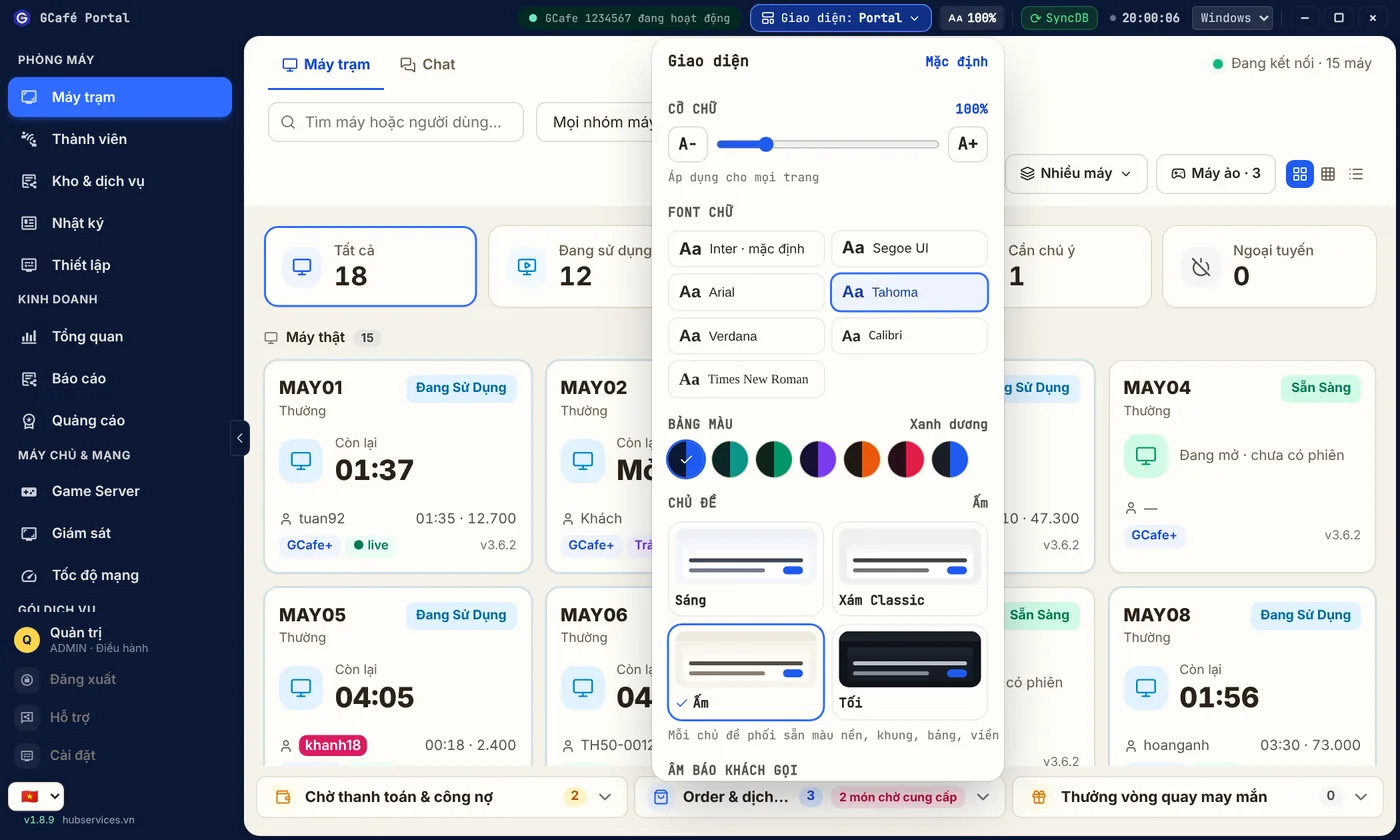
- Click the Aa 100% button in the title bar. The Giao diện (Appearance) box opens.
- Under Chủ đề (Theme), pick Sáng, Xám Classic, Ấm (Warm) or Tối.
Result: backgrounds, frames, tables, borders and text on every tab change at once. Until you pick a theme, Portal follows the layout: Classic uses Classic grey, other layouts use Light.
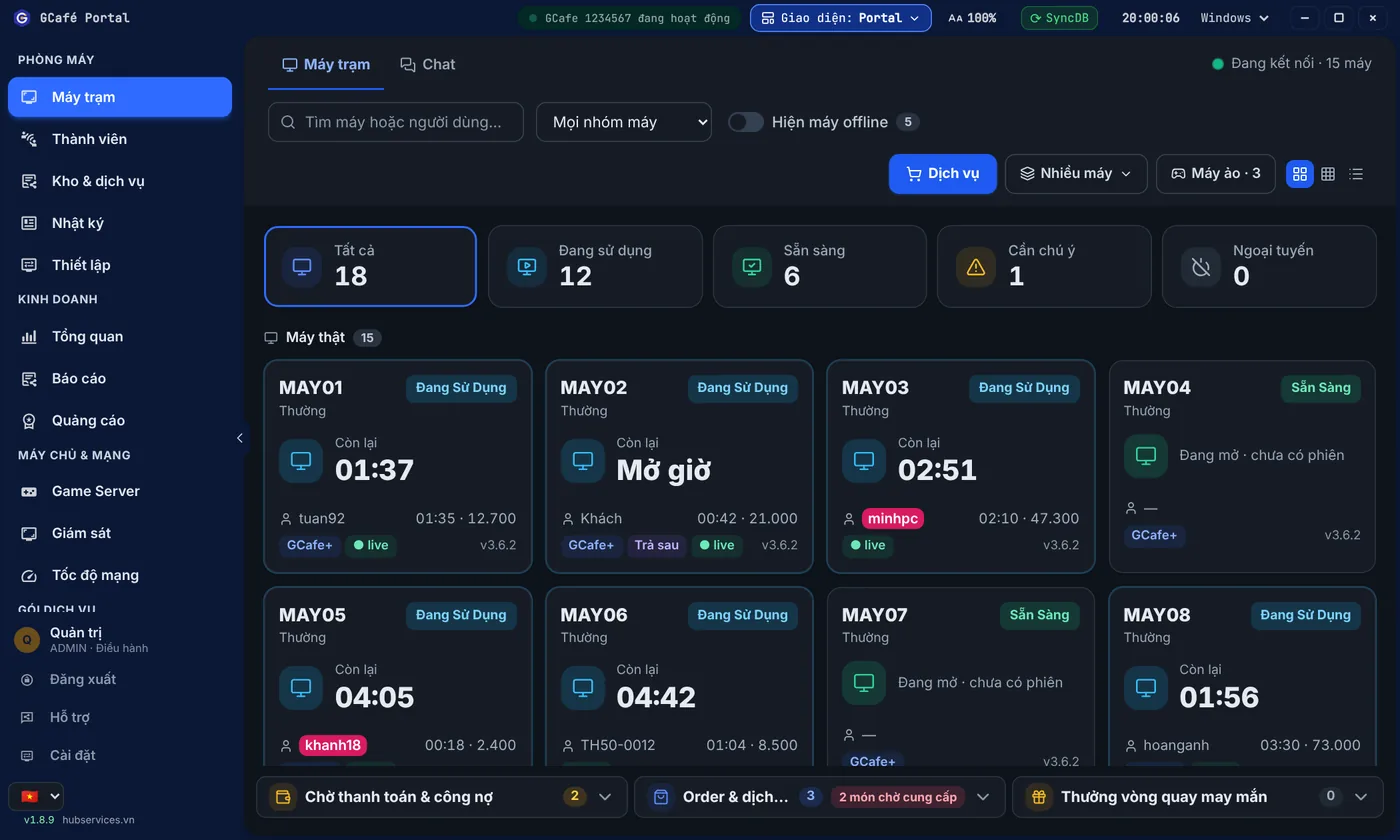
Sáng (Light) theme
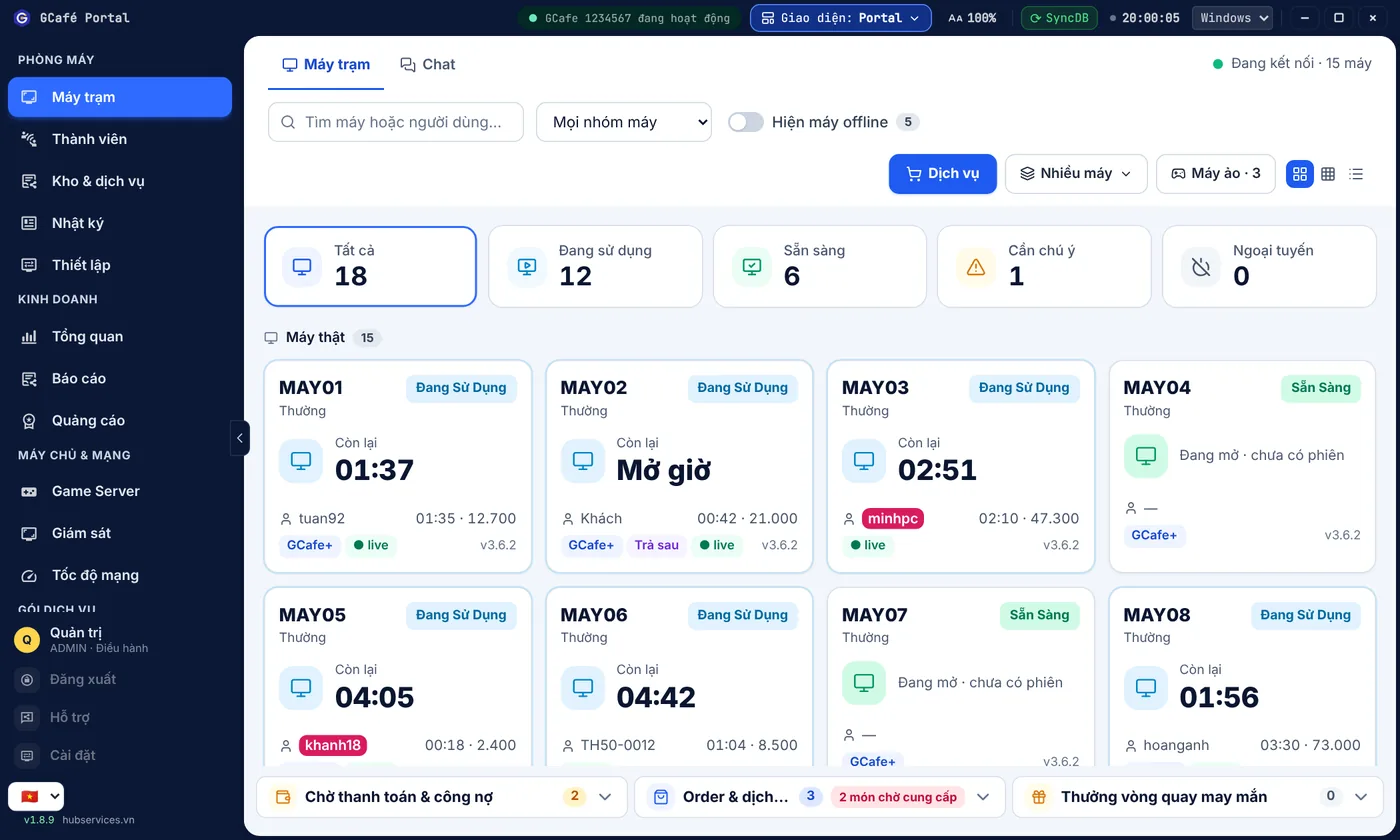
Xám Classic (Classic grey) theme
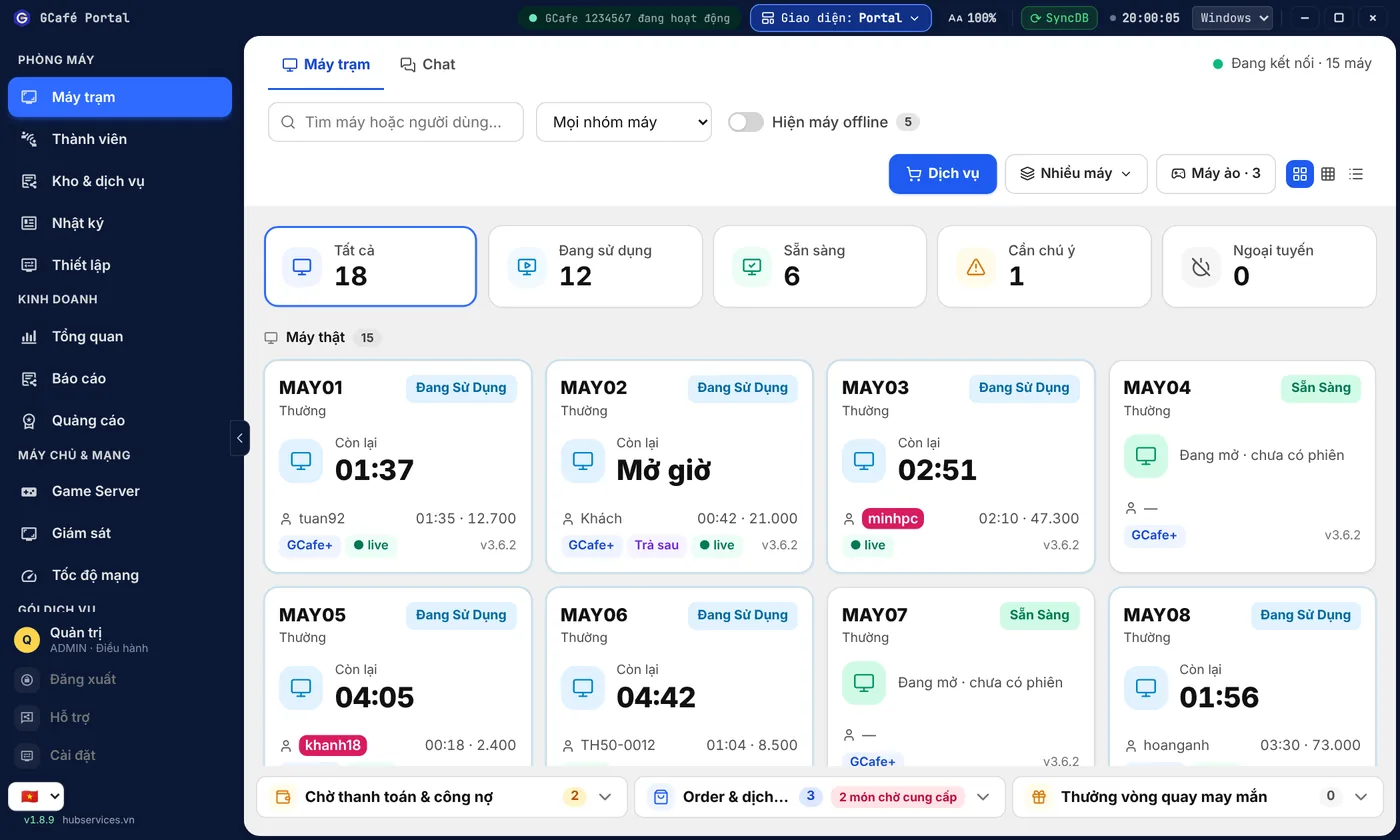
Ấm (Warm) theme
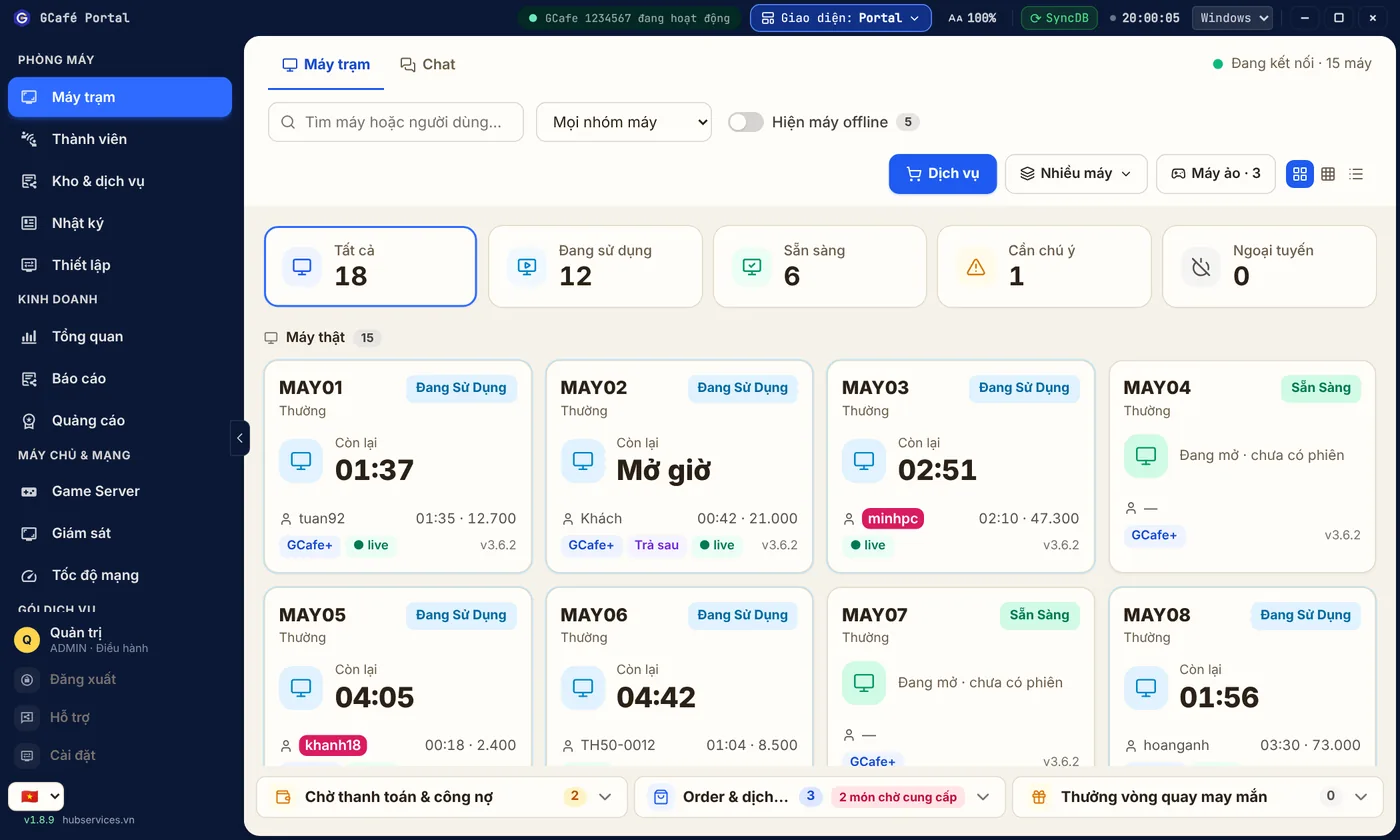
Tối (Dark) theme
Change text size, font and accent colour
- Drag Cỡ chữ (Text size) from 90% to 140% (5% steps).
- Pick a Font chữ (Font): Inter (default), Segoe UI, Arial, Tahoma, Verdana, Calibri, Times New Roman.
- Pick a Bảng màu (Accent colour): blue, teal, green, violet, orange, rose, dark grey.
Click Mặc định (Defaults) at the top of the box to reset everything.
⚠️ Note: Appearance is saved per counter PC: changing it on one PC does not affect the others.