How does GCafe+ Client work?
The life of a session on a client PC: locked, the customer signs in, the PC unlocks, they play, then it locks again on log out or when time is up.
One session from start to finish
- When the PC starts it goes straight to the lock screen; the desktop is not shown.
- A member signs in, or the counter opens the PC for a guest.
- The server starts the session ⇒ the lock screen hides; the Windows desktop, the Client App and any programs the café set to run on unlock open.
- During the session the Client App shows time left and balance; customers play, order and chat.
- The customer clicks Đăng xuất (Log out), time runs out, or the counter checks out ⇒ the session ends and the PC locks.
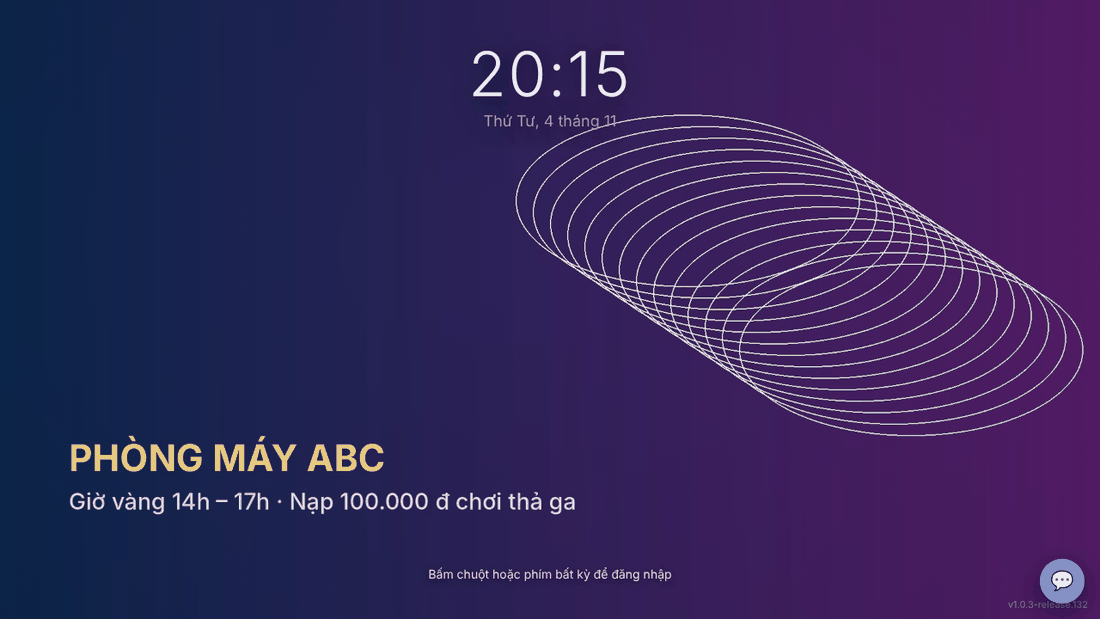
Client PC states
State | Customer sees | How to leave it |
|---|---|---|
Locked (no session) | The lock screen with the sign-in box. | Sign in, or the counter opens the PC. |
Playing | The desktop and the Client App. | Log out, time runs out, counter checks out. |
Temporarily locked | The Màn hình đã khoá (Screen locked) screen; the session keeps running. | Enter the temporary password or the account. See Lock the PC temporarily. |
Where the Client App gets its data
- Play time, balance, menu, chat, orders: from the café GCafe Billing / GCafe Portal server.
- Game list and downloads: from GCafe Update (CafeServer) on the LAN.
- Banner, wallpaper, lock screen background, lucky wheel: set by the café in GCafe Portal. See Banner, wallpaper and lock screen background.
⚠️ Note: Without a server connection, chat, ordering and top-up are unavailable; the Client App shows a warning bar and reconnects by itself.