Sync the date, time and time zone in Portal
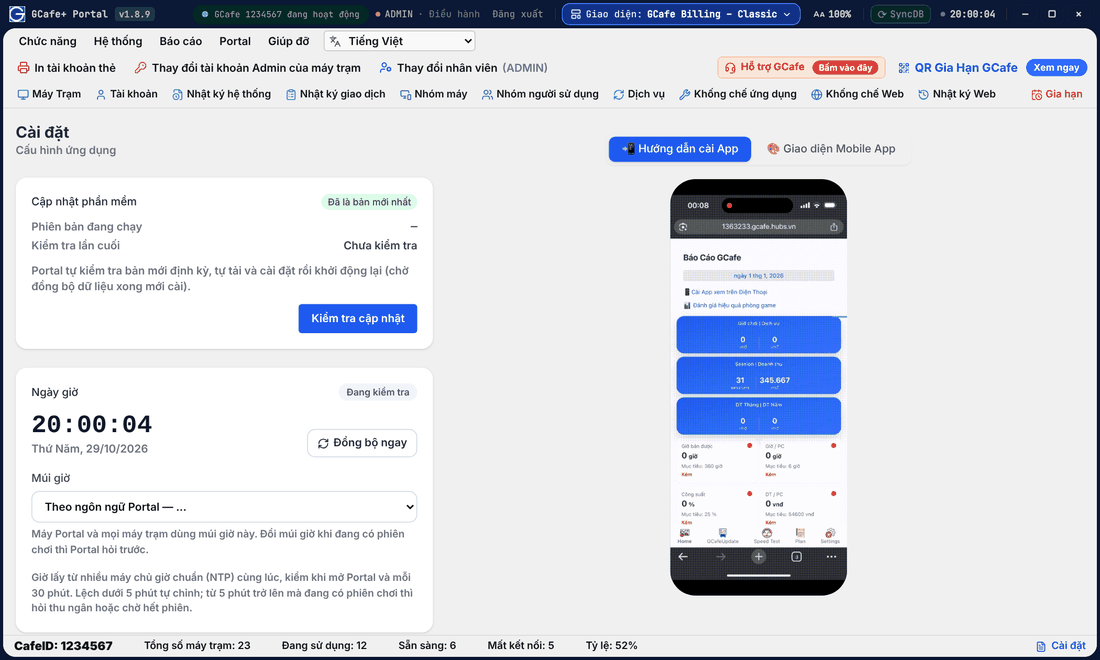
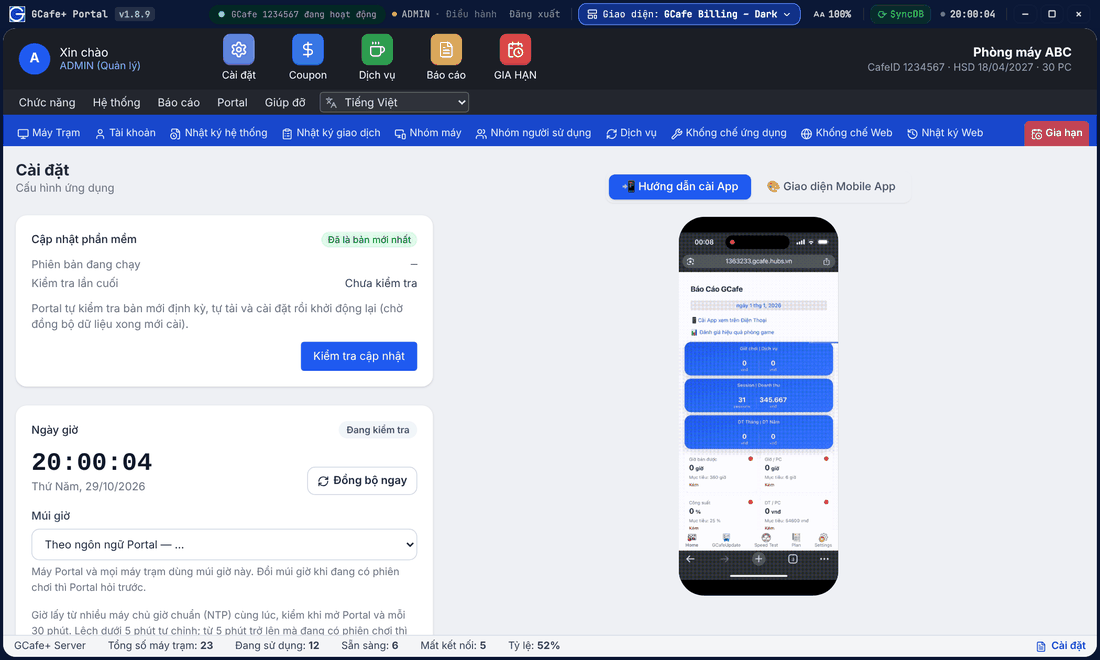
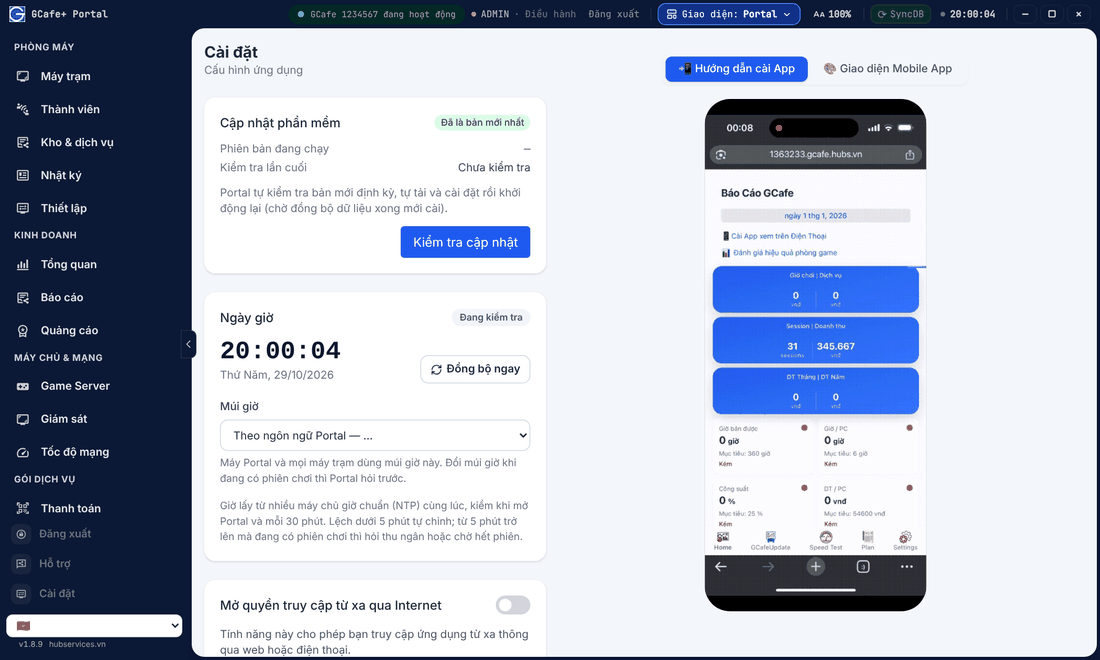
Portal measures standard time and corrects the server clock so play time is billed accurately; every client PC follows the server time. The Ngày giờ (Date & time) card in Cài đặt (Settings) shows the status and the time zone.
Classic layout
Dark layout
Portal layout
Check and sync the time
- Open Cài đặt and find the Ngày giờ card.
- See Đo giờ chuẩn lúc (last measured), Lệch lúc đo (offset) and Chỉnh giờ lúc (last corrected).
- Click Đồng bộ ngay (Sync now) to measure again.
Choose the time zone
By default the time zone follows the Portal language (Vietnamese uses Vietnam time, English uses Singapore time). Only the Điều hành (Manager) account can change it; change it when no session is running.
When the clock is far off
Under 5 minutes, Portal corrects the clock by itself. Beyond that, Portal shows Cần chỉnh giờ máy (clock needs correcting):
- Để lúc không có phiên (when no sessions): Portal corrects as soon as nobody is playing (recommended).
- Chỉnh ngay (correct now): correct immediately; running sessions may be timed wrongly.
💡 Tip: The title bar now shows the Portal clock. The SyncDB countdown moved to the tooltip of the SyncDB button.