
A player sits down, turns on the PC, and then waits 15–20 minutes for a game patch to download. No cafe owner wants that. Dozens of online games release patches every week, so updating each one by hand on your server is not realistic. That is why automatic game update software for internet cafes is a must-have in any modern gaming cafe.
This article explains how a game update system works, what to look for when you choose one, and how GCafe handles the problem for more than 50,000 internet cafes.
Why does your internet cafe need automatic game updates?
In a modern bootrom internet cafe, all diskless workstations read the operating system and games from one server (usually run through GCafe Boot). This keeps data in sync and makes loading fast. It also puts the whole update workload on the game server.
Without automatic game update software, your staff or technician has to do all of this by hand:
- Track the maintenance schedule of dozens of different games every day.
- Unlock write access on the server's game drive and run each game's installer or launcher.
- Wait for off-peak hours to download patches, so the bandwidth stays free for players.
- Fix errors when a game changes its folder structure or files conflict after an update.
Miss just one popular game after the morning maintenance, and by noon, when the cafe fills up, many workstations will start downloading the patch on their own. That clogs your whole internet connection and overflows the writeback cache. The result is lag, and players leave for another cafe.
What should automatic game update software do?
Good internet cafe game update software is more than a file downloader. To really free your hands, it has to cover the whole process, from detecting a patch to showing the game on the workstation screen.
1. Detect and download patches as soon as publishers release them
The software provider's central server system (IDC) must keep watching the games. When a new update is out, the server at your cafe receives the signal, downloads the data to the game drive, and unpacks it. You don't need to press a single button.
2. Save bandwidth and avoid lag on your network
Some major game updates are tens of GB. If the software takes the whole connection, players' ping goes up. A good game update tool should be able to control the download speed or run smoothly in the background.
3. Sync smoothly with the workstation game menu
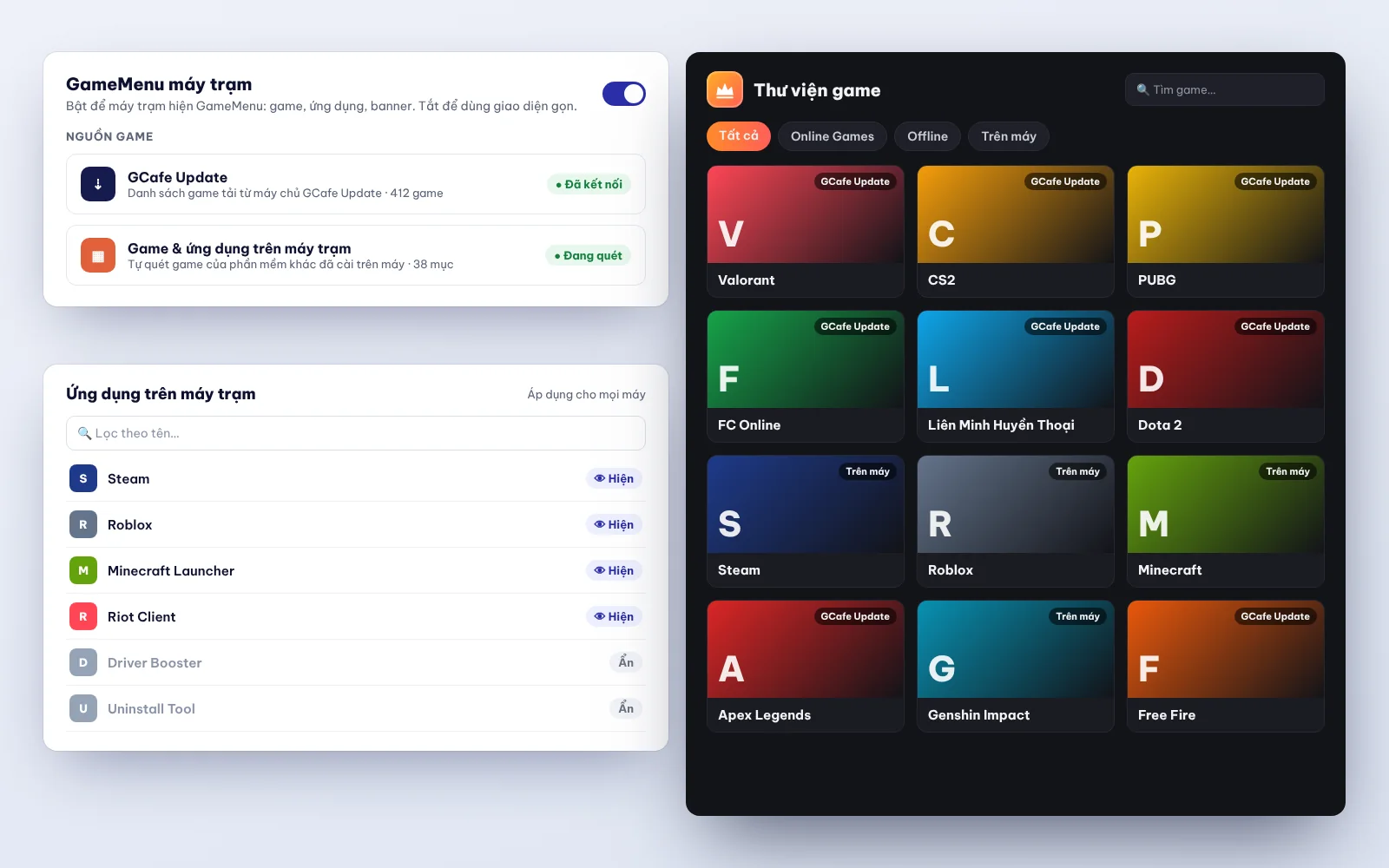
Updating the server is not enough. New game data must sync right away with GameMenu on the workstations, so players click and play with no version error and no launcher re-update. You can also split workstations and groups by zone (standard, VIP, tournament) and assign each one a game list that fits its hardware.
4. Make it easy to manage and clean up your game library
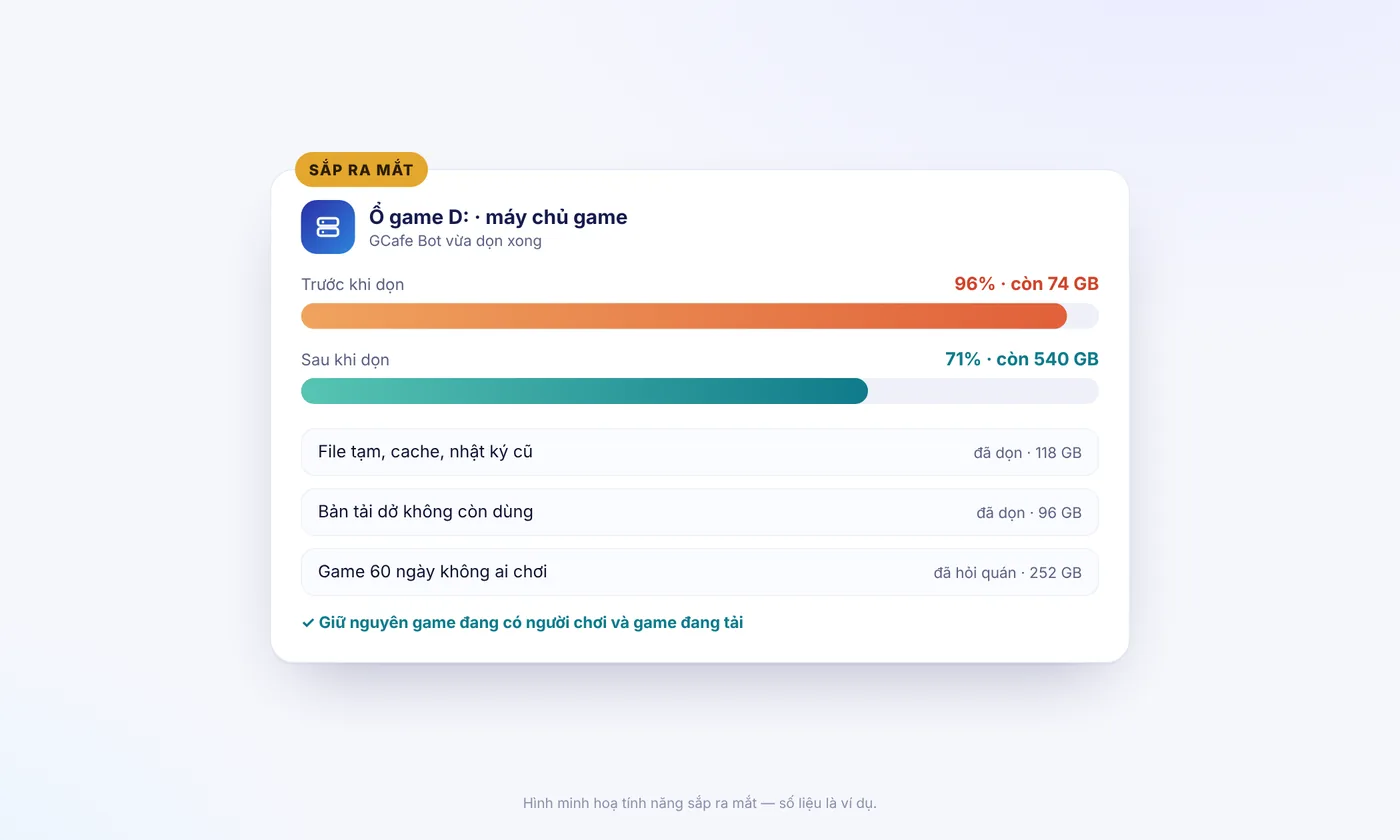
Your server drive has limited space. The software should help you manage your game library: add trending games, remove rarely played ones to free up space on the game drive, and organize your game menu neatly.
Manual updates vs. automatic game update software
The table below shows the difference in practice:
| Criteria | Manual updates | Automatic game update software |
|---|---|---|
| Owner's time | 1–2 hours a day to check and run each game's patch. | Close to zero. The system downloads and updates in the background, 24/7. |
| Player experience | Players may have to wait for a re-download if you forget an update. | Click and play, always on the latest version. |
| Network & server stability | The network clogs easily if many workstations download a game at once. | Downloads once to the server, which saves the most bandwidth. |
| Fixing game errors | You troubleshoot path errors, missing files, and launcher errors yourself. | The technical team handles them at the IDC before the patch is pushed to your cafe. |
GCafe Update: automatic game updates for 50,000+ internet cafes
In the GCafe internet cafe software suite from Hubservices Joint Stock Company, GCafe Update (the game update server, formerly known to technicians as CafeServer or gcafe server) manages and updates your game library automatically.
GCafe has worked alongside internet cafes for more than 15 years in Vietnam, Thailand, Cambodia, and Indonesia, serving more than 3 million player visits a day. GCafe Update gives cafe owners peace of mind in these ways:
- A wide game library with fast updates: Online games, offline games, and popular game platforms. When a publisher releases a patch, the GCafe IDC checks it and pushes it automatically to your cafe's server.
- Self-upgrading software: When a new version of the software is out, the system can upgrade GCafe Update automatically with no reinstall (note: after an upgrade, you can't go back to the old version). If GameMenu is downloaded straight from the IDC, the menu also updates to the new version on its own. If your cafe installs GameMenu on drive C, your technician only needs to open Super Image to let it update itself, then close it.
- On-site technical support nationwide: Hubservices has GCafe agents in every province and city (all 34 under the new administrative units), plus the 1900 1232 hotline, ready to help when your cafe needs support.
What GCafe Update and the full GCafe suite cost
Many owners who are new to GCafe ask whether GCafe Update is free and what the whole suite costs to run. GCafe's policy is clear:
1. Free products (no limit on the number of PCs)
You can use free internet cafe software for all your daily operations, billing, and customer care. It includes:
- GCafe Billing (with Membership): Free internet cafe billing software with GCafe+ Server on the server and GCafe+ Client on workstations (new interface and Classic both supported). It has built-in member management, night combos, and coupons.
- GCafe Boot: A bootrom solution that keeps your diskless workstations running stably.
- GCafe Portal: Remote revenue management for your cafe. It supports a lucky wheel, workstation screen ads (up to 5 banner slots plus wallpaper), and exporting the S1a-HKD revenue book under Circular 152/2025/TT-BTC for household business tax reporting.
- GameMenu: A clean, attractive game menu on the workstations.
2. The only paid product: GCafe Update
Across the Hubservices internet cafe software suite, the free and paid plans differ only in automatic game updates (GCafe Update).
GCafe Update is priced by the number of PCs, on a 6-month plan. The current price is VND 900,000 / 6 months / 30 workstations. Remote installation is currently free for customers. If you hire a technician to install on-site at your cafe, the cost is agreed between you and the technician. For the stability of your whole PC fleet and the hours it saves you, it is a small cost.
How to choose and set up game update software
When you start to install GCafe, keep these 3 practical points in mind so the update system runs smoothly:
- Prepare proper server hardware: Make sure the game drive (Game Disk) and the SSD cache are big enough for the number of games in your cafe. See preparing a GCafe Boot server for details.
- Pick games your players actually play: Don't download the whole library and fill up the drive. Turn on automatic updates only for games that players in your area really play. Also check that workstation groups are assigned correctly to avoid the workstation can't see games error.
- Keep everything connected: Use GCafe Update together with GCafe Billing, GCafe Boot, and GCafe Portal, so data from server to workstation matches and is easy to check during maintenance.
If you want stable internet cafe software that automates game updates so you can focus on running the business and welcoming players, GCafe has been proven in tens of thousands of internet cafes.
Call 1900 1232 for direct advice, or leave your phone number on the Pricing & Contact page. The GCafe technical team and agents in all 34 provinces and cities will get back to you as soon as possible.