

When owners talk about internet cafe overtime, they usually mean one of two things. The first is the legal rule on opening hours for public electronic game service venues. The second is what to do when a player runs over time, either because a combo package ends or because the account runs out of money in the middle of a match.
Either way, without a clear process and automatic tools, your cafe can easily run into legal risk, lost revenue, or unhappy regulars. This article helps you handle both situations in a fair and practical way.
1. What are the risks of internet cafe overtime?
Let's look at two situations that happen every day in gaming rooms in Vietnam. They show the risks owners face.
Opening and closing hours under the rules
Under the rules for public electronic game service venues, gaming rooms must follow the operating hours set by their local authority. If you keep the doors open, or let guests stay and play, outside the permitted hours (and without a valid business license covering those hours), you risk inspections and administrative fines.
Fines cost money, but that is not the only problem. Repeated violations also hurt your standing with local authorities and can disturb your neighbors at night.
Operations and billing when players run over time
From the cashier's side, "overtime" happens when a pay-later player asks to stay a few more minutes to finish a match. It also happens when a player buys a time package (such as a 3-hour or night package) and keeps playing into the next time slot.
If you manage this by hand, or staff let regulars slide, you will quickly run into these problems:
- Lost playing-time revenue: A player asks for "5 more minutes to finish this League game," but it drags on for 20–30 minutes and you collect nothing extra.
- Arguments between players and cashiers: When a combo ends, the PC switches to the regular hourly rate. The player doesn't notice, and gets upset at checkout when the bill is higher than expected.
- Fraud at shift handover: Staff let pay-later players run over time, take the cash on the side, and never enter it in the system.
2. How to handle overtime players without losing them or your money
Players at an internet cafe are usually deep in a match. If a screen suddenly locks during a key fight with no warning, they will be frustrated. But if you let players sit as long as they like, your cafe loses money. Here is a process that is gentle but firm:
Set up a warning before time runs out on the client PC
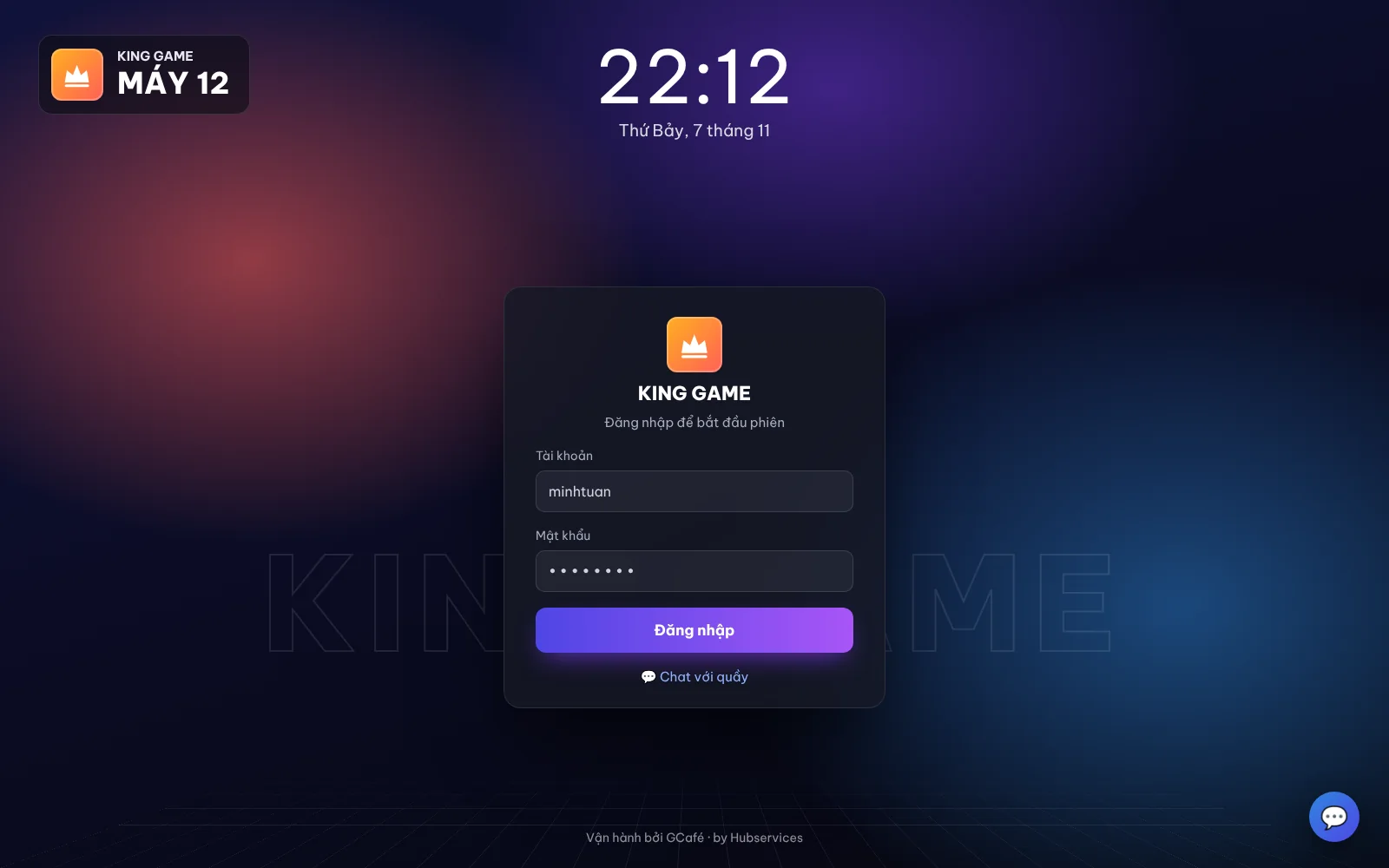
Don't surprise your players. Set up the system to show a sound alert or a pop-up message on the client screen about 10 to 15 minutes before the account runs out. With GCafe+ Client running on the client PC, players can check their remaining time or receive messages from the cashier without being kicked out of the game.
That gives the player time to top up on the spot, or to get ready to finish the match on time.
Move players toward prepaid member accounts
Pay-later sessions are the biggest cause of players running over time and then coming up short at checkout. Instead of opening PCs freely, encourage players to create a member account. The system deducts from the balance as they play, and locks the screen automatically when the balance reaches zero.
You can read more about how to encourage players to top up member accounts with promotions like bonus play time. This reduces the number of walk-in pay-later players.
Set a clear rule for staff on "a few more minutes" requests
Sometimes a regular is in the middle of a tournament or a ranked match just as the account runs dry. Instead of letting staff open a PC for free on their own, agree on one rule:
- A loyal member can ask for a small temporary top-up (for example VND 5,000–10,000), enough time to finish the match.
- Never open a PC for free without billing. Every added-time or gifted-time action should go through the gifted play time feature or a software top-up, so there is a history to check against.
3. How to bill fairly when players run past a time slot or combo
A very common case: a player buys a night combo (for example, 10 p.m. to 6 a.m.), then falls asleep or keeps playing until 7:30 a.m. How do you bill that extra 1 hour 30 minutes so the player pays without a fuss?
The table below compares ways to handle and bill overtime so you can apply them in your cafe:
| Overtime situation | How to handle it in the software | Fair way to bill | Notes for cashiers |
|---|---|---|---|
| Night combo ends but the player keeps playing | The system automatically switches from the combo to the regular morning rate. | Deduct directly from the member's main balance in set time steps (per minute or per 15-minute block). | Tell the player when they buy the combo: "After 6 a.m., the PC will switch to your main balance if you keep playing." |
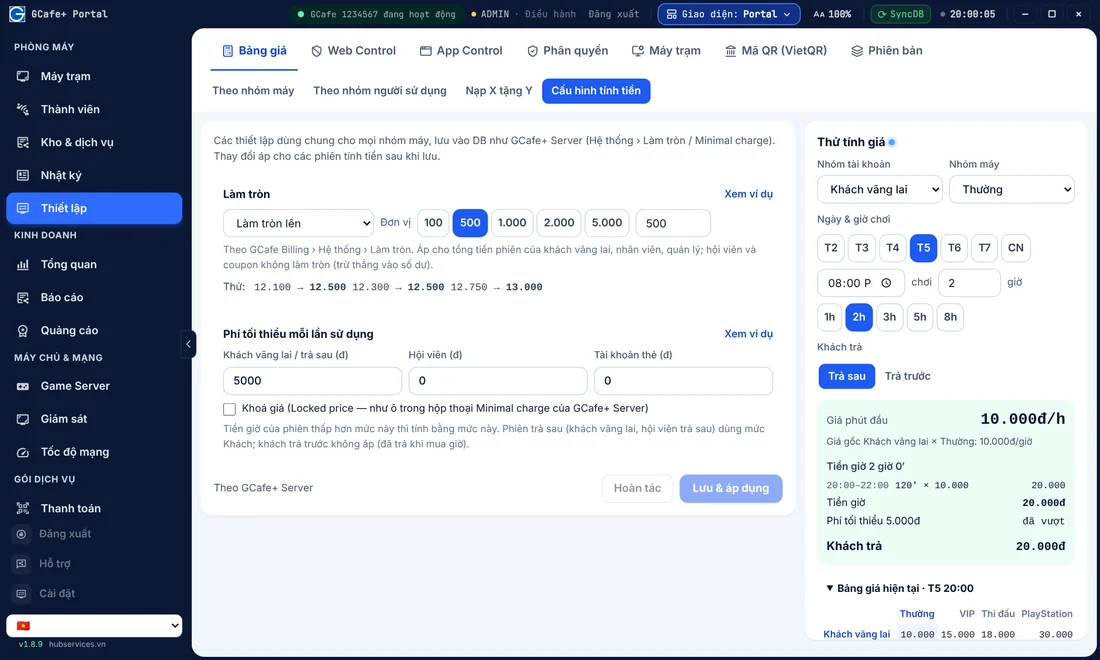
| Player starts in an off-peak slot and runs into peak hours | Set up automatic hourly pricing by time slot on the billing server. | Time in each slot is billed at that slot's rate. The software splits it for you, so no manual math. | Post the time-slot price list clearly at the counter and on the client screens. |
| Pay-later player goes over the amount they first planned | Limit the pay-later amount, or set a shutdown timer based on the amount the player tells you in advance. | Round with a fixed rule set in the billing configuration (for example, round to VND 1,000). | Collect payment before opening more time, so the player can't say they have no cash after playing. |
To avoid disputes, set up every rounding rule, minimum billing time, and time step to run automatically in your internet cafe billing software. When the computer calculates the amount, players trust the result more than a number staff punch into a calculator at the counter.
4. Follow opening-hour rules and manage your cafe safely from a distance
Back to internet cafe overtime under the law. Many owners are not at the cafe at night and leave the evening shift to staff. Sometimes staff want to please regulars, or earn extra money for themselves, so they secretly open PCs after hours while the owner is asleep.
To keep this under control and protect your cafe legally, try these steps:
- Announce a fixed closing time: Send a message to the whole room 30 minutes before closing. Players can plan to stop their matches, and you avoid taking new guests right before closing.
- Control shift handover and revenue in real time: Use revenue management software for internet cafes to watch your cafe from a phone or personal computer. You can see exactly when PCs are still on, and whether staff log in and open PCs without permission after closing.
- Schedule updates and maintenance for closed hours: Use the time when the cafe is closed to let automatic game update software for internet cafes download new game patches. This keeps your network smooth during opening hours, and it builds a habit of shutting down client PCs on time for maintenance.
5. Automate billing and play-time management with the GCafe suite
You don't have to watch the clock on every PC, or worry that staff will bill the wrong amount when a player runs over. A connected internet cafe software suite saves you a lot of effort.
With 15+ years working alongside 50,000+ gaming rooms, the GCafe suite from Hubservices gives owners free tools with no limit on the number of PCs, including:
- GCafe Billing (GCafe+): Automates the whole billing process by time slot, switches the rate automatically when a night combo ends, manages members, and locks the client screen to the second when time runs out.
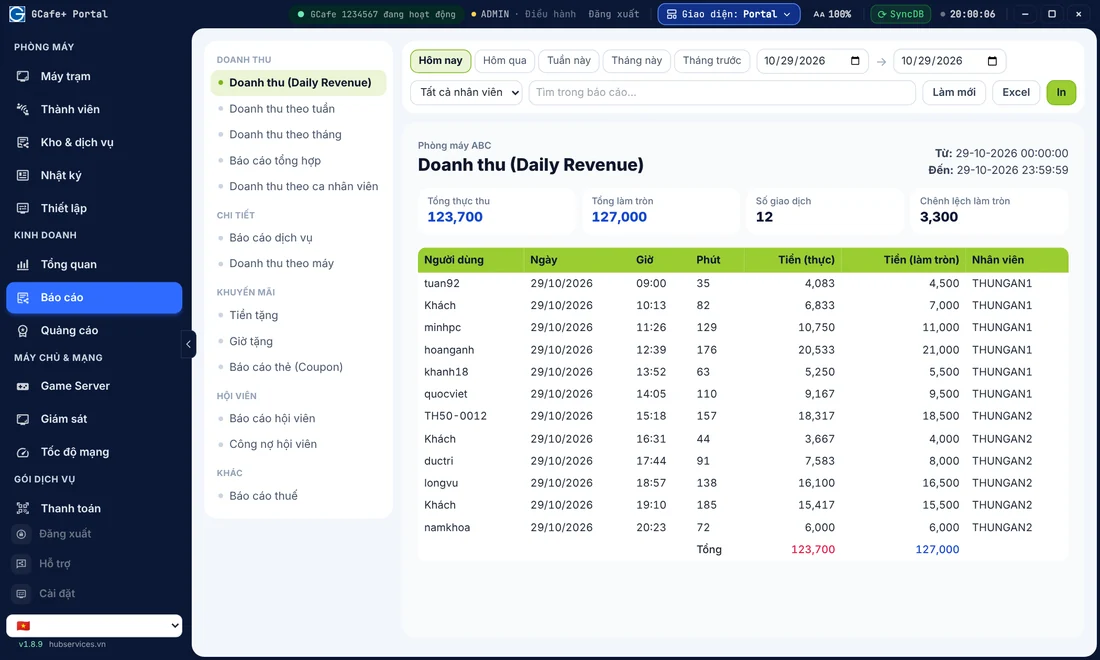
- GCafe Portal: Lets you set flexible price lists, view revenue reports remotely, and review staff activity history. It also helps you export tax reports for household businesses (the S1a-HKD revenue ledger under Circular 152/2025/TT-BTC) quickly.
- GCafe Boot & GameMenu: A stable diskless client PC solution. Together with the automatic game update service GCafe Update, it helps your cafe be ready to open on time every morning.
If you need help setting up time-slot pricing, configuring night combos that prevent losses, or installing the GCafe suite in your cafe, call 1900 1232. You can also leave your phone number on the Contact & Pricing page. The GCafe team and agents across all 34 provinces and cities will get back to you as soon as possible.
