
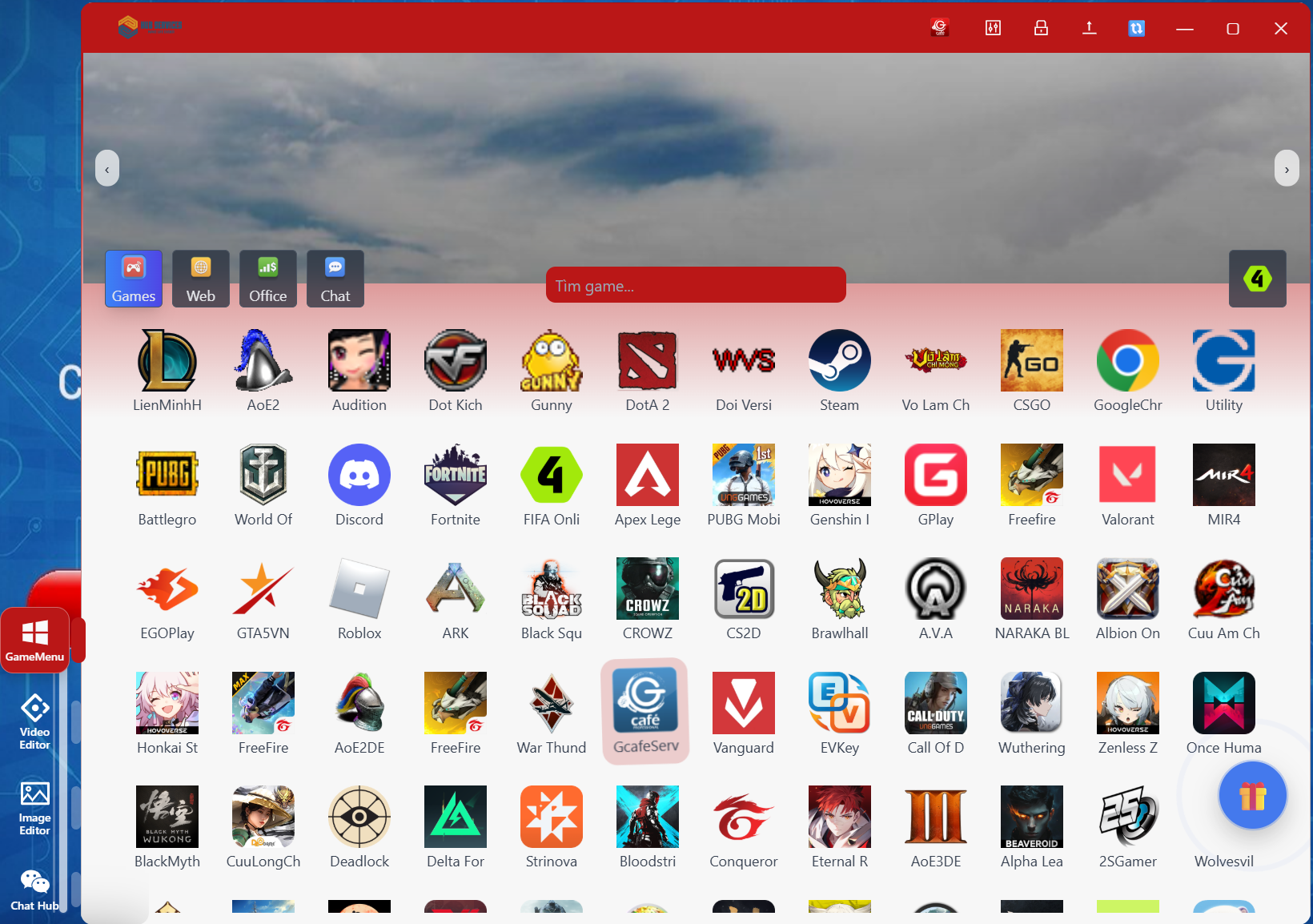
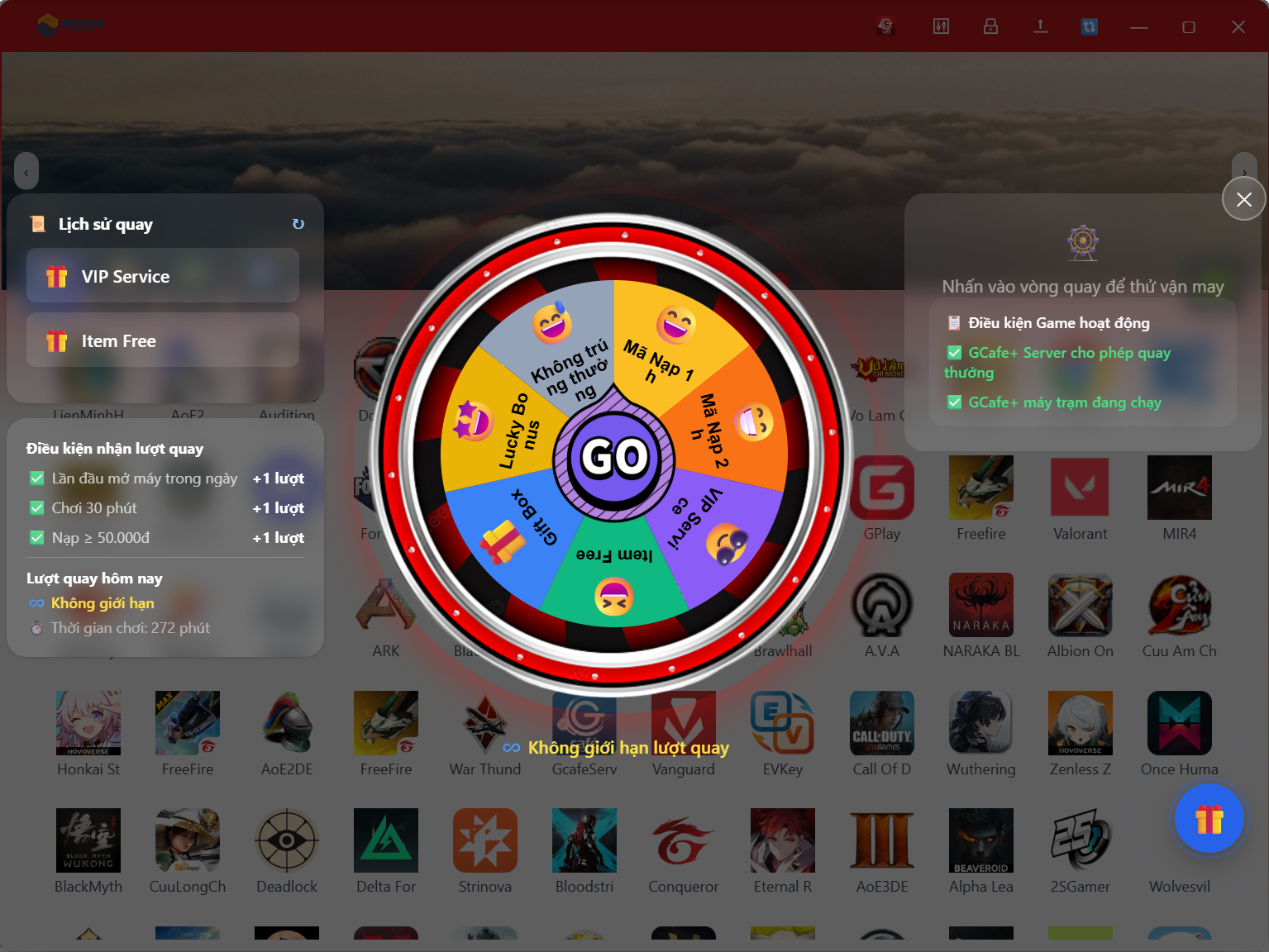
Get X2 in FIFA Online 4 and Garena games
Players get Garena's in-game promotions when they play on client PCs running GCafe. List of games and conditions: [Cần xác nhận].
GCA IPBoot gives players at your cafe extra perks in Garena games such as FIFA Online 4. Garena built the solution, and Hubservices has operated it since May 15, 2019.
Included free with GameMenu on client PCs. Announcement from Garena (in Vietnamese): New GCafe feature update (FC Online).
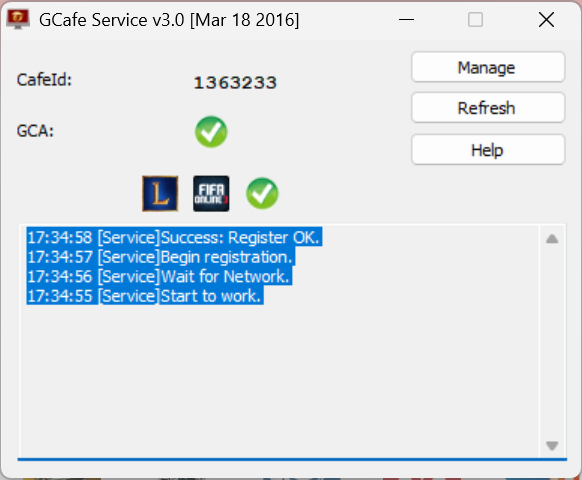
GCA IPBoot running
Players get Garena's in-game promotions when they play on client PCs running GCafe. List of games and conditions: [Cần xác nhận].
GameMenu installs GCA IPBoot on client PCs for you. There is no extra fee for your cafe.
GameMenu downloads and updates games 24/7 at high speed, from vetted game sources.
In-game perks give players a reason to choose a cafe that runs GCafe over another one.
GarenaCIG is the IPBoot service that runs on client PCs. If a PC already uses GameMenu, GCA IPBoot is installed automatically.
Open Task Manager (Ctrl + Alt + Delete), choose Services and look for GarenaCIG. If an old version is running, uninstall it before installing the new one.
Right-click GarenaCIG, choose Run as Administrator, then click Uninstall. Wait for the uninstall success message.
Run the new GarenaCIG installer with Run as Administrator, enter your GCA Key and click Install. Wait for the Installation Completed message.
Click the GarenaCIG icon at the bottom-right corner of the screen. If Service Status and Update Status both show as active, you are done.
A GCafe agent installs GameMenu and GCA IPBoot for your whole cafe.