
When you open a new gaming room or upgrade old PCs, your technician will almost certainly mention bootrom or diskless. So what is bootrom, what does a diskless server do, and how does GCafe Boot work in a modern internet cafe? This article explains it in simple terms, from an owner's point of view.
1. What is bootrom? A quick explanation for internet cafe owners
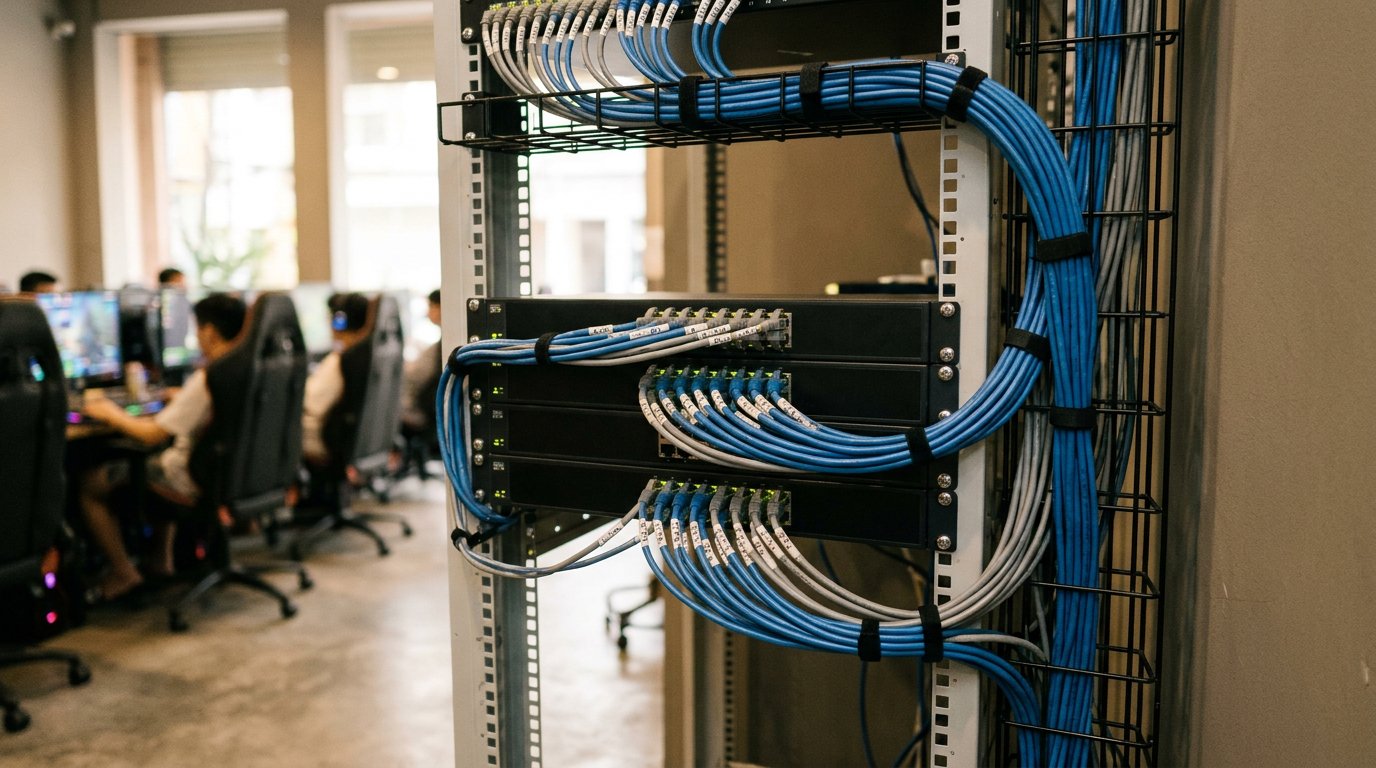
Bootrom (also called diskless technology) is a way of running your PCs so that the workstations, the machines your players sit at, have no physical drive (HDD or SSD) installed.
Instead of each PC booting from its own drive, the Windows operating system, software and the whole game library are stored in one central server in your cafe. When a player presses the power button, the workstation connects over the LAN, loads the operating system from the server and starts up as usual.
In the Hubservices internet cafe software ecosystem, this technology is an official product called GCafe Boot. Many owners and technicians used to call it GCafe Diskless. In short: when people talk about GCafe's diskless workstation solution, the product's proper name is GCafe Boot.
2. What is a diskless server and what does it do in your gaming room?
If the workstations have no drives, where is the data? On the diskless server (the bootrom server).
What is a diskless server? It is a dedicated, high-spec computer with several fast drives (SSD/NVMe) and a high-bandwidth LAN card. In a bootrom internet cafe, this server is the "heart" of the whole room and has 3 main jobs:
- Stores the standard operating system image: You keep a single standard Windows image on the server. Whether you have 30, 50 or 100 workstations, they all boot from that same image.
- Holds your whole game library: Every online and offline game sits on the server's drives. Workstations read the library directly over the LAN to run games.
- Handles temporary read/write data (Writeback): While a player games, browses or downloads temporary files, all the new data goes to a separate drive partition on the server. When the workstation is restarted, that temporary data is wiped and the machine returns to its original state.
To learn more about the hardware this server needs, read Bootrom server for internet cafes: what to prepare for a GCafe Boot room (Vietnamese).
3. How does GCafe Boot work in practice?
You don't need deep technical knowledge to picture how a bootrom internet cafe runs every day. Here are the 4 steps, from power-on to the moment the player leaves:
- Boot over the network (LAN boot): When the workstation is powered on, its network card looks for the GCafe Boot server through the switch and LAN cables.
- Load the operating system (load image): The GCafe Boot server recognizes the workstation and sends the standard OS image over the network cable. The workstation goes straight to the login screen of your internet cafe billing software, and the player can't tell the difference from a PC with a drive.
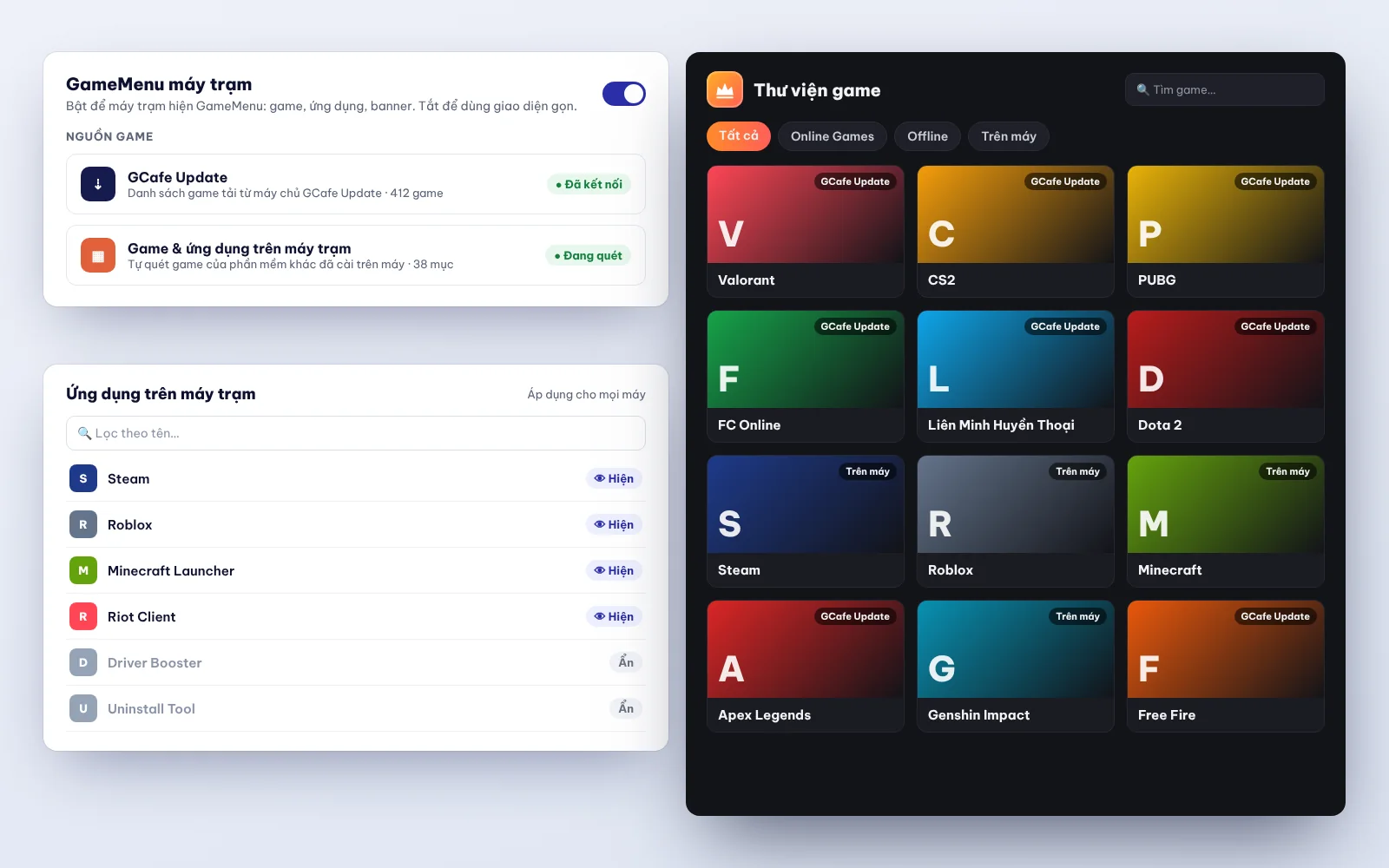
- Play games and stay in sync: When the player opens the game menu (GameMenu), the game list from the server appears right away. If you also use automatic game update software for internet cafes, GCafe Update, the latest game patches are downloaded straight to the server (see how GCafe Update downloads and distributes games). Every workstation gets the new game right away, without waiting for each PC to download it.
- Shut down and clean up automatically: When the player finishes and shuts down, the browsing history, downloaded junk files and any changed settings on that workstation disappear. The next time it starts, it is clean and smooth, like a fresh Windows install.
4. GCafe Boot vs. a traditional room with a drive in every PC
Many new owners wonder whether to put a drive in each PC or go diskless. This table shows the differences in day-to-day operation:
| Operating factor | Room with a drive in every PC | Room running GCafe Boot (diskless) |
|---|---|---|
| Upfront cost | You pay for a large SSD/HDD for every workstation. | You save all workstation drive costs and invest in one server and a solid LAN instead. |
| Game and software updates | Updates are done by hand on each PC, or use up bandwidth when many PCs download the same update. | You update once, on the server (fully automatic when used with GCafe Update). |
| Windows errors and viruses | A faulty PC has to be reinstalled or re-imaged with Ghost, which costs technician time. | Restarting the workstation clears viruses. If you need to edit Windows, open Super Image and change it once for the whole room. |
| Power and heat | Each drive draws extra power and gives off heat inside the case. | Workstations have fewer heat-producing parts, run cooler and waste less power. |
| Risk of hardware failure | The chance of a drive failing grows with the number of PCs (30–100 drives). | You only monitor and maintain the drives in the server, in one place. |
If you still have questions before deciding, read Are diskless workstations any good? 7 questions owners often ask (Vietnamese).
5. Why do 50,000+ gaming rooms choose the GCafe ecosystem?
With 15+ years working alongside internet cafes and 3 million+ player visits a day across Vietnam, Thailand, Cambodia and Indonesia, the Hubservices solution suite covers the main parts of running a room:
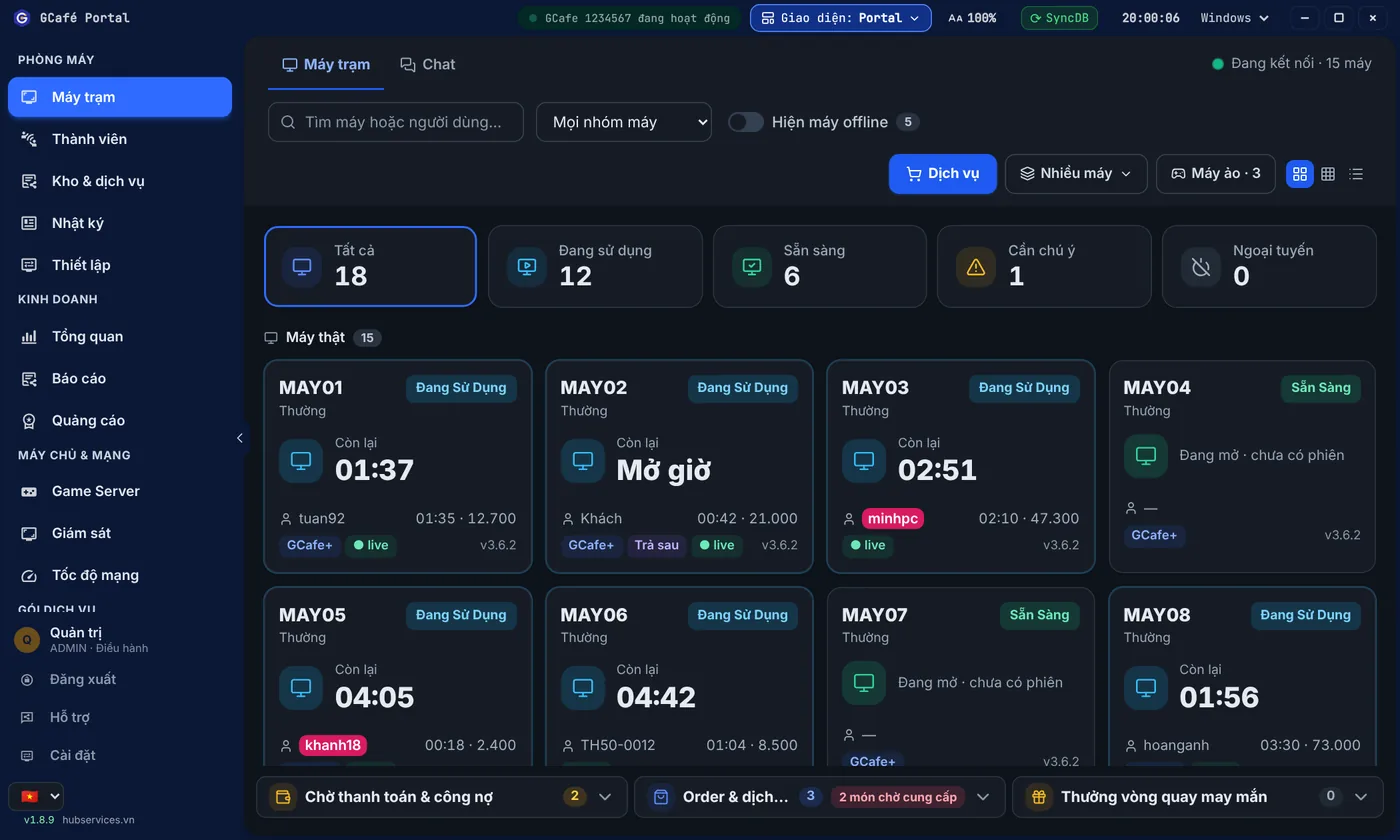
- Core software is free, with no limit on the number of PCs: You can use GCafe Boot, the GCafe Billing billing software (GCafe+ Server and GCafe+ Client, with Membership built in for internet cafe membership management), GameMenu and the remote management portal GCafe Portal at no cost. It is free internet cafe software with no PC limit.
- Clear revenue and tax reporting: With GCafe Portal, you can track how your business is doing, set up workstation screen banners (up to 5 banner slots plus a wallpaper), and export the S1a-HKD revenue ledger under Circular 152/2025/TT-BTC for your internet cafe tax reports.
- Game update costs: The free and paid plans differ only in automatic game updates (GCafe Update). GCafe Update currently costs 900,000 VND / 6 months / 30 workstations.
- Wide technical support: GCafe has agents in every province and city (34/34 under the new administrative units) who can help you from installation to daily operation. Remote installation is currently free.
6. What do you need to prepare to deploy GCafe Boot?
For GCafe Boot to run at full speed and stay stable, your room needs 3 basics:
- A properly specced server: Use durable parts, enough RAM for caching, and keep the drives for the image, the games and the writeback separate.
- A stable LAN: All data travels over the network cables, so use standard cable, crimp the connectors carefully and use Gigabit switches (or 2.5G/10G for the link from the server to the switch). For more, read the guide on LAN setup for diskless internet cafes (Vietnamese).
- A matching GCafe software setup: Combine GCafe Boot with GCafe Billing, GameMenu and GCafe Update (choose Diskless Mode in the GCafe Update settings). This gives you a closed workflow, from opening PCs and billing to creating night combos and updating new games every day.
We hope this article has made clear what bootrom is, what a diskless server does, and how GCafe Boot can save your room money and management effort. If you are about to open a new cafe or want to move your current PCs to a diskless setup, call 1900 1232 or leave your phone number on the Contact & Pricing page. Our technical team will advise on the right configuration for your room.